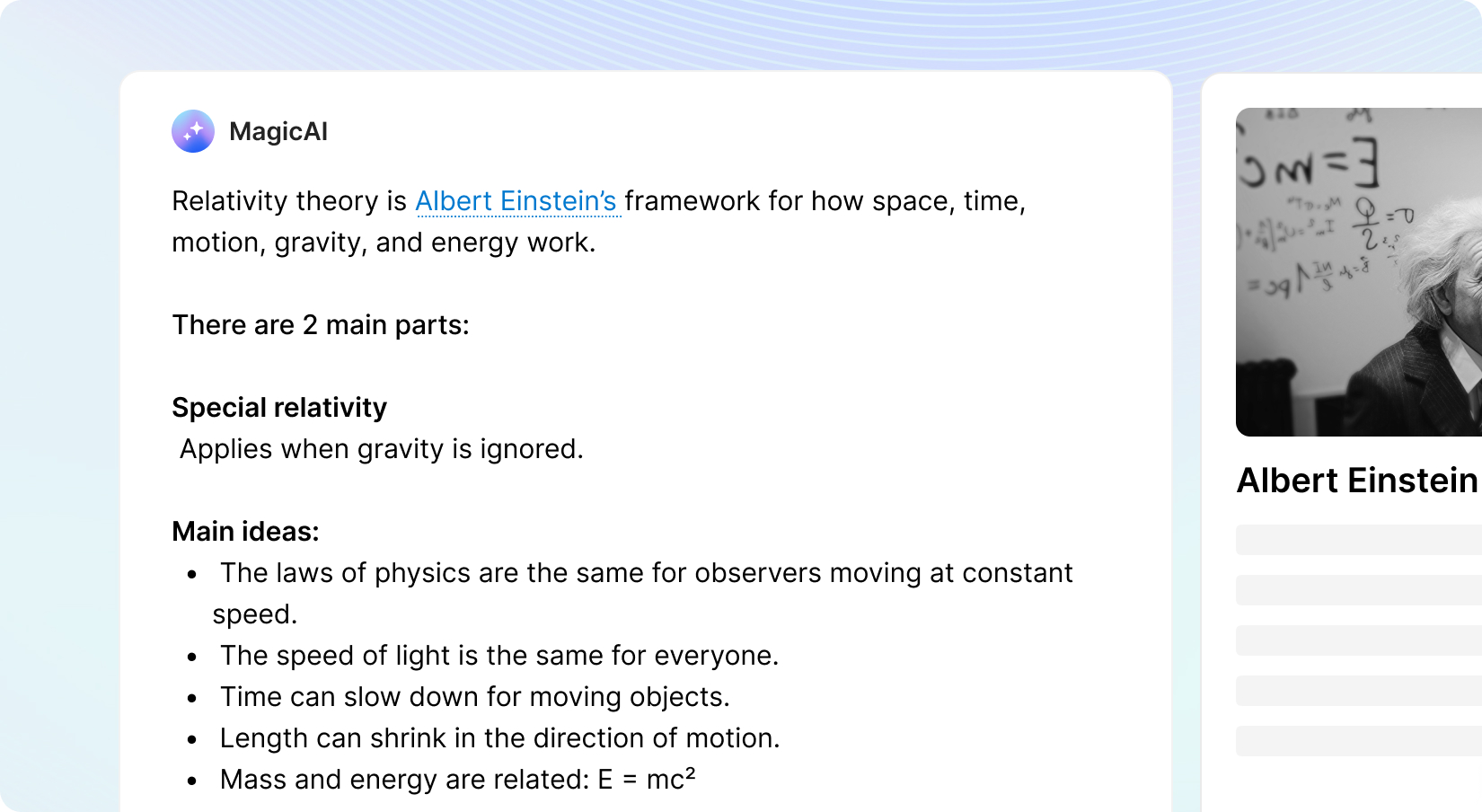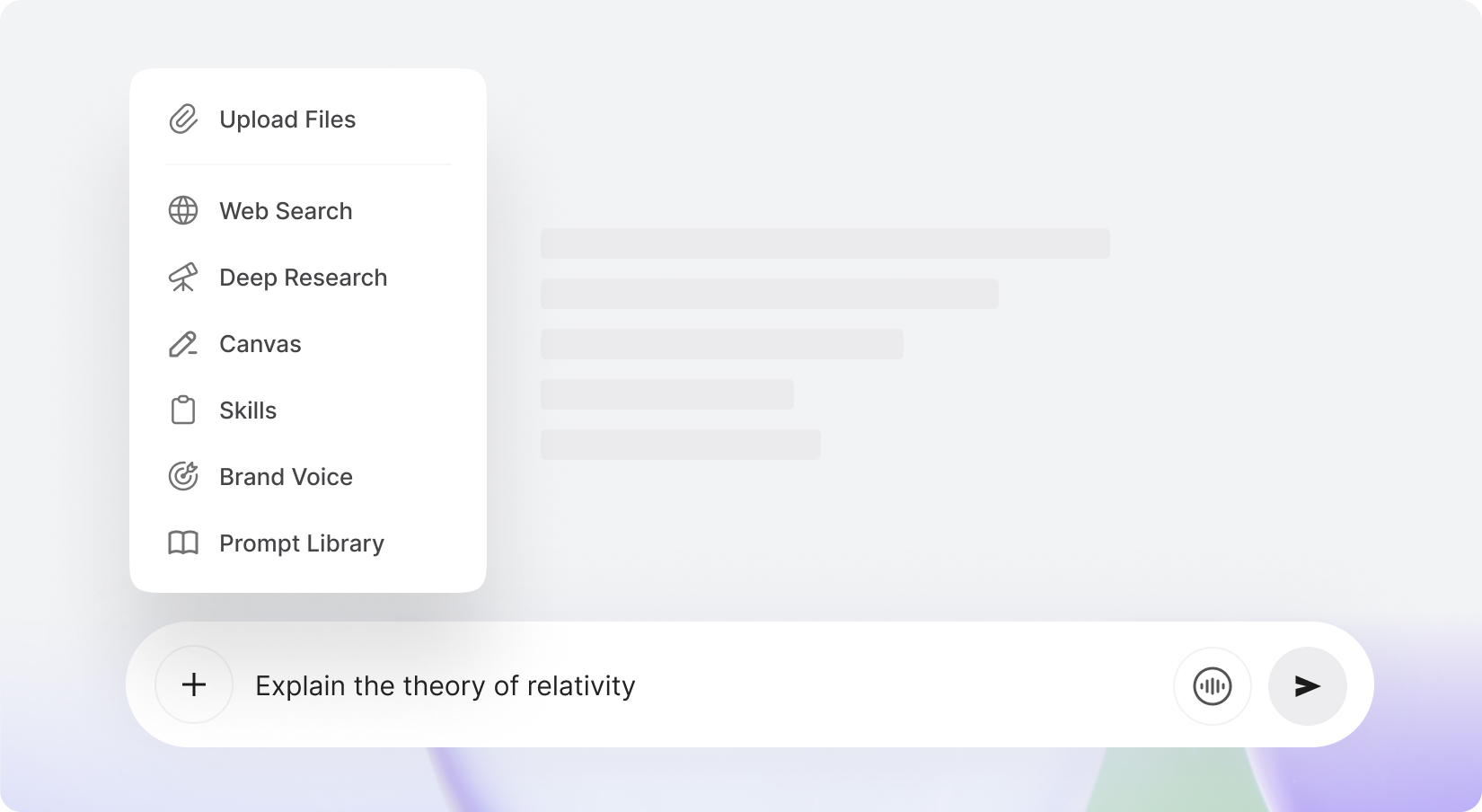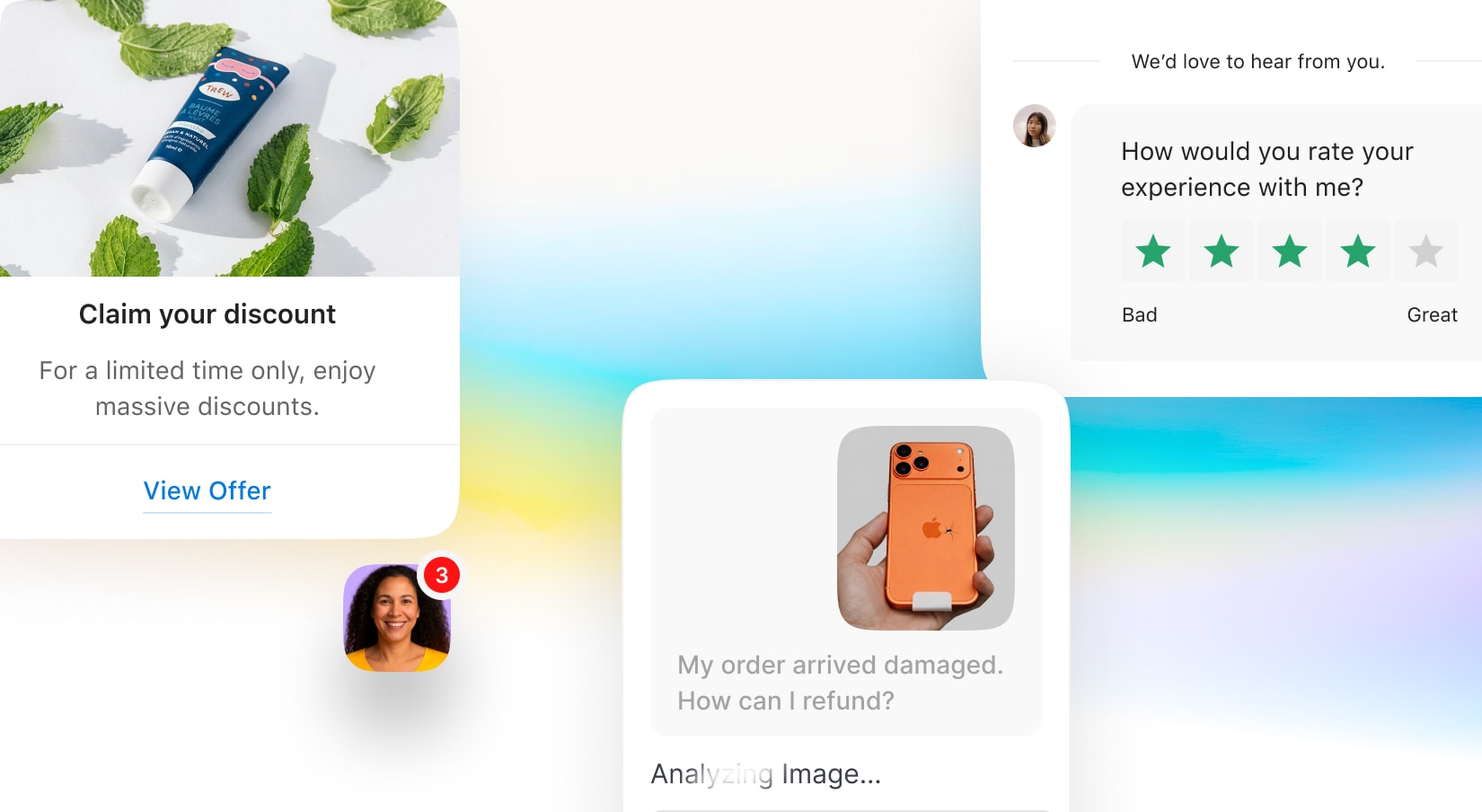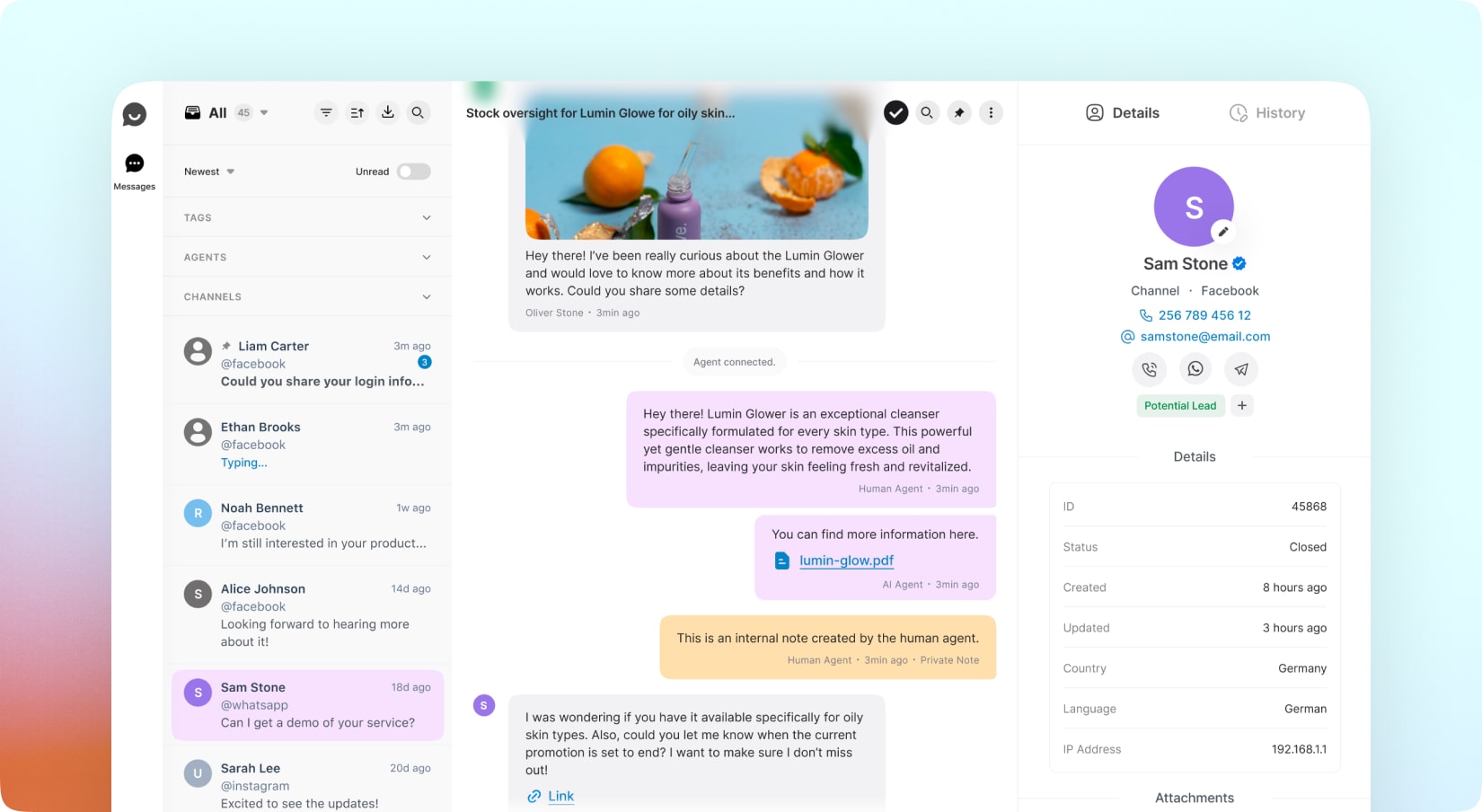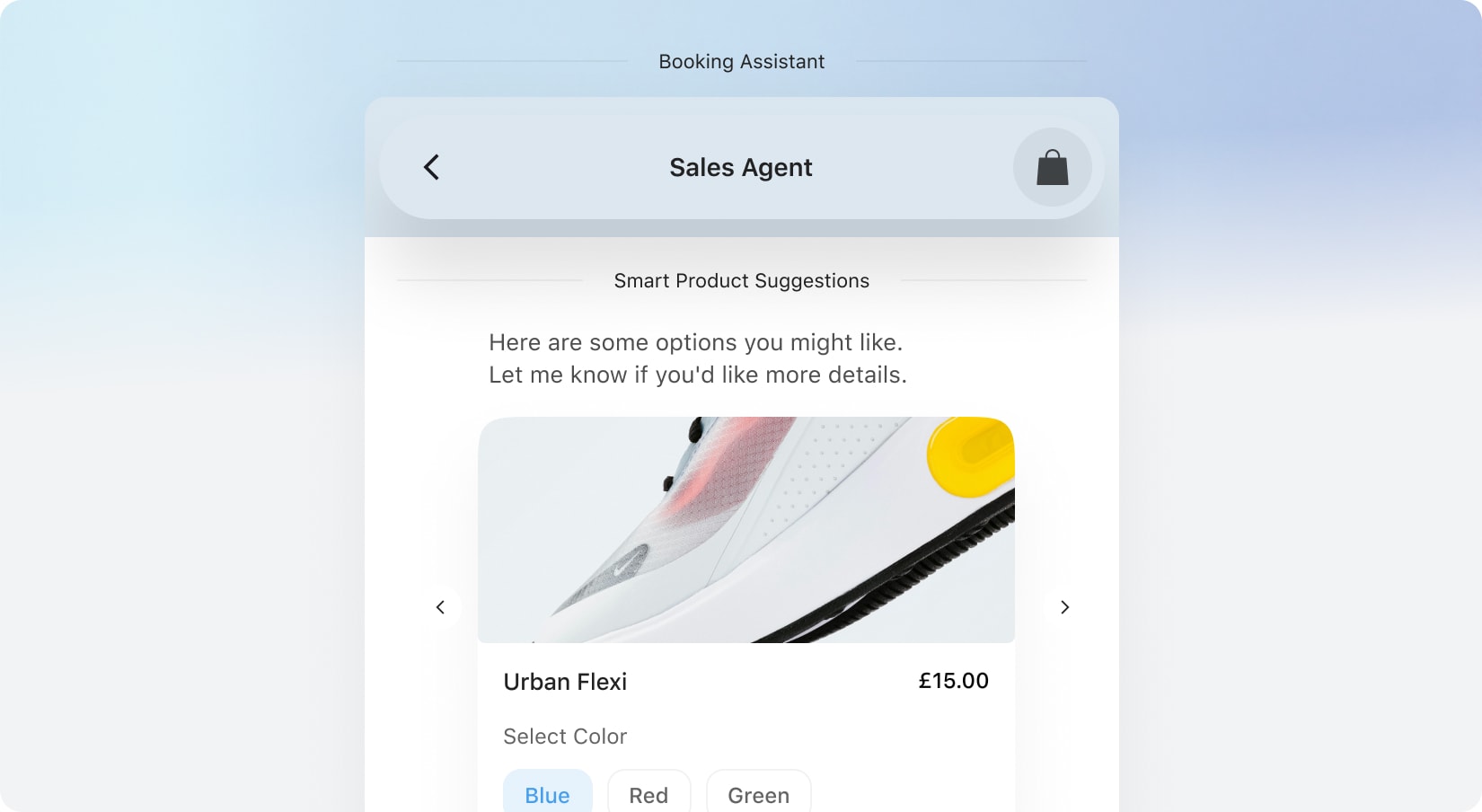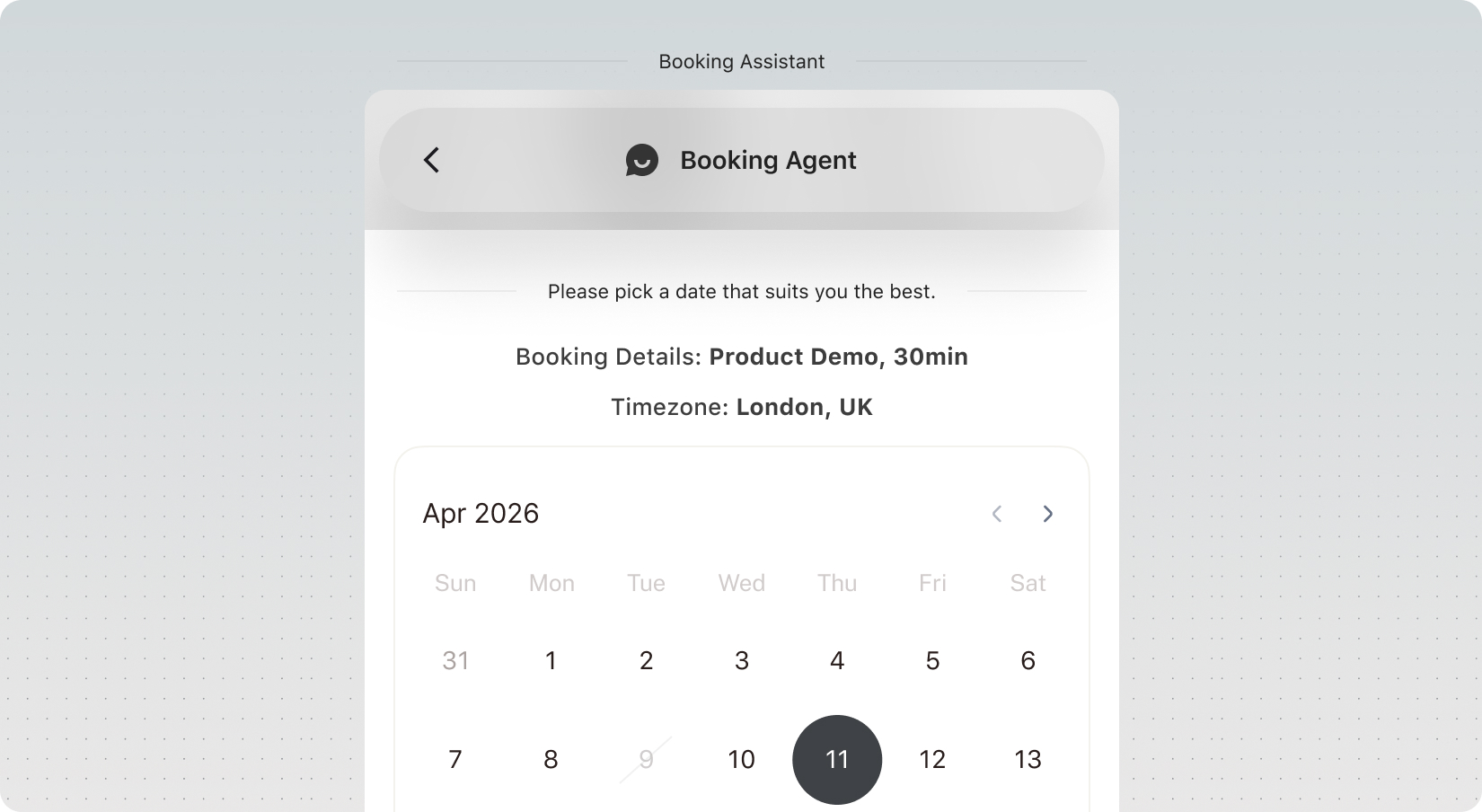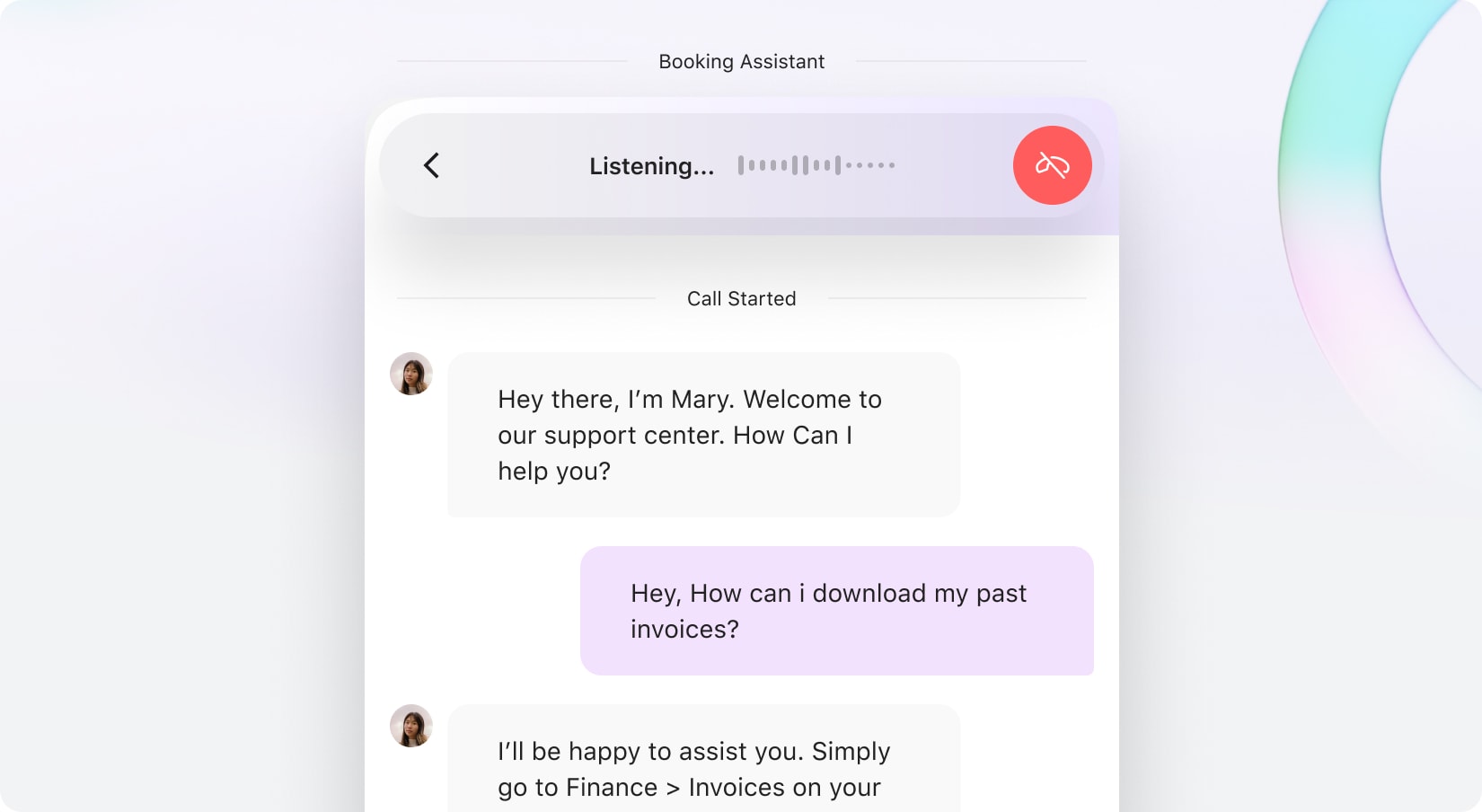
Enhance visitor engagement by enabling real-time voice chat with your AI assistant. The External Chatbot now features an optional Voice Chat Agent alongside the traditional chat interface, allowing users to easily switch between voice chat and text chat for a more seamless conversation. With the Voice Chat, visitors can start live voice discussions, making communication simpler and more intuitive. External Chatbot will be ready to answer questions, guide users, and provide support through voice, as well as proving the transcription in real time creating a more human-like and accessible experience.
With new budget-friendly API alternatives, you can achieve more while spending less. Use cleanup to remove imperfections, inpainting to add or replace elements, and reimagine to completely transform an image into something new. The generative fill feature allows you to intelligently fill in missing parts of an image, while the upscaler ensures high image quality even when enlarged. If you’re working with sketches, the sketch to image tool brings your hand-drawn ideas to life, converting them into polished visuals. Additionally, the remove and replace background tools give you full control over your image customization, making it easy to adapt your visuals for various use cases, from product shots and promotional materials to social media content.
Included with Premium Membership
Instagram for External Chatbot
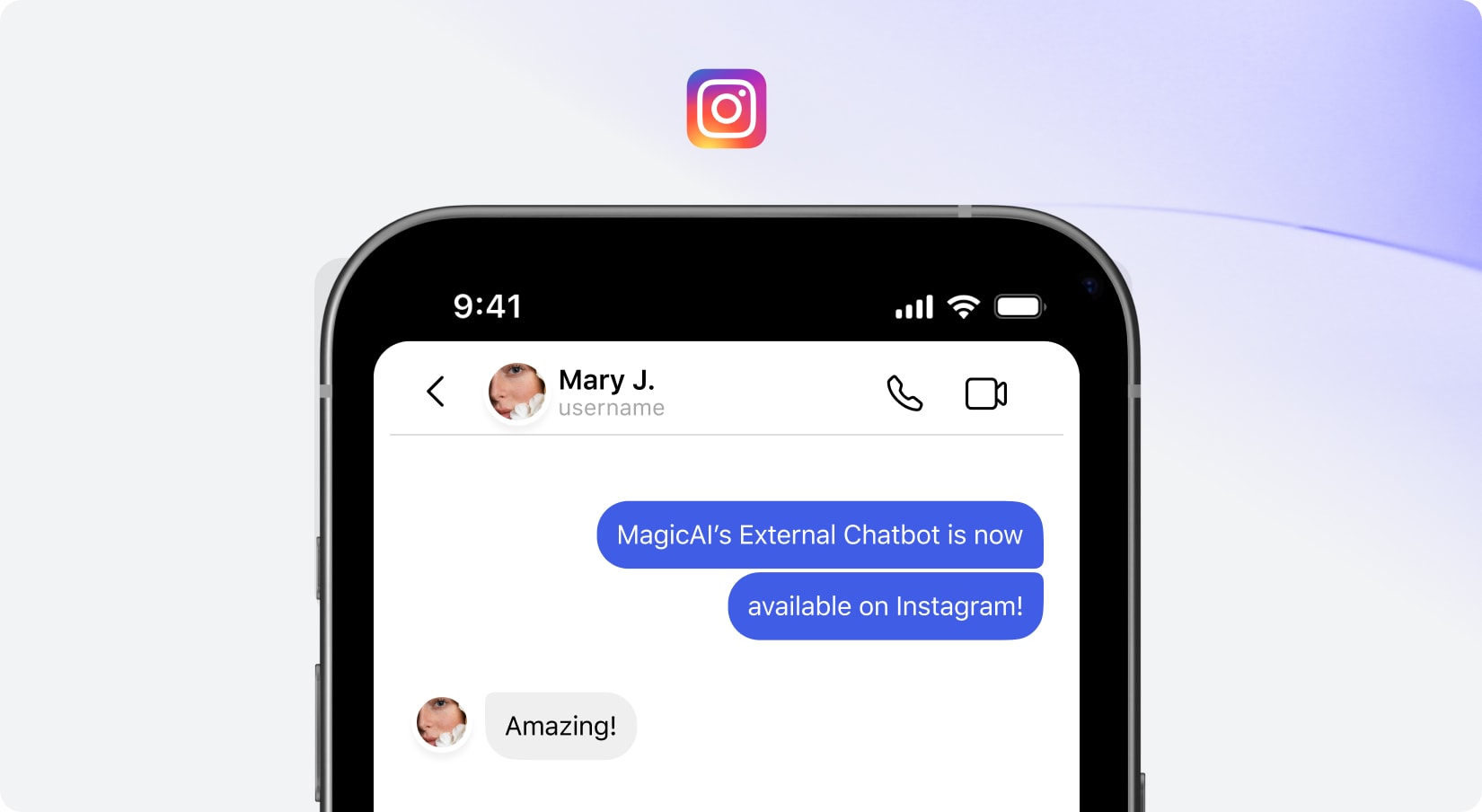
In addition to the four existing channels, we are excited to announce that External Chatbot is now fully integrated with Instagram! This means you can seamlessly connect your chatbot to Instagram messages, allowing you to respond to customer inquiries in real-time. With this integration, you can automate replies, manage conversations, and engage with your audience directly from a unified inbox through multiple channels.
With new budget-friendly API alternatives, you can achieve more while spending less. Use cleanup to remove imperfections, inpainting to add or replace elements, and reimagine to completely transform an image into something new. The generative fill feature allows you to intelligently fill in missing parts of an image, while the upscaler ensures high image quality even when enlarged. If you’re working with sketches, the sketch to image tool brings your hand-drawn ideas to life, converting them into polished visuals. Additionally, the remove and replace background tools give you full control over your image customization, making it easy to adapt your visuals for various use cases, from product shots and promotional materials to social media content.
Included with Premium Membership
Blogger Agent
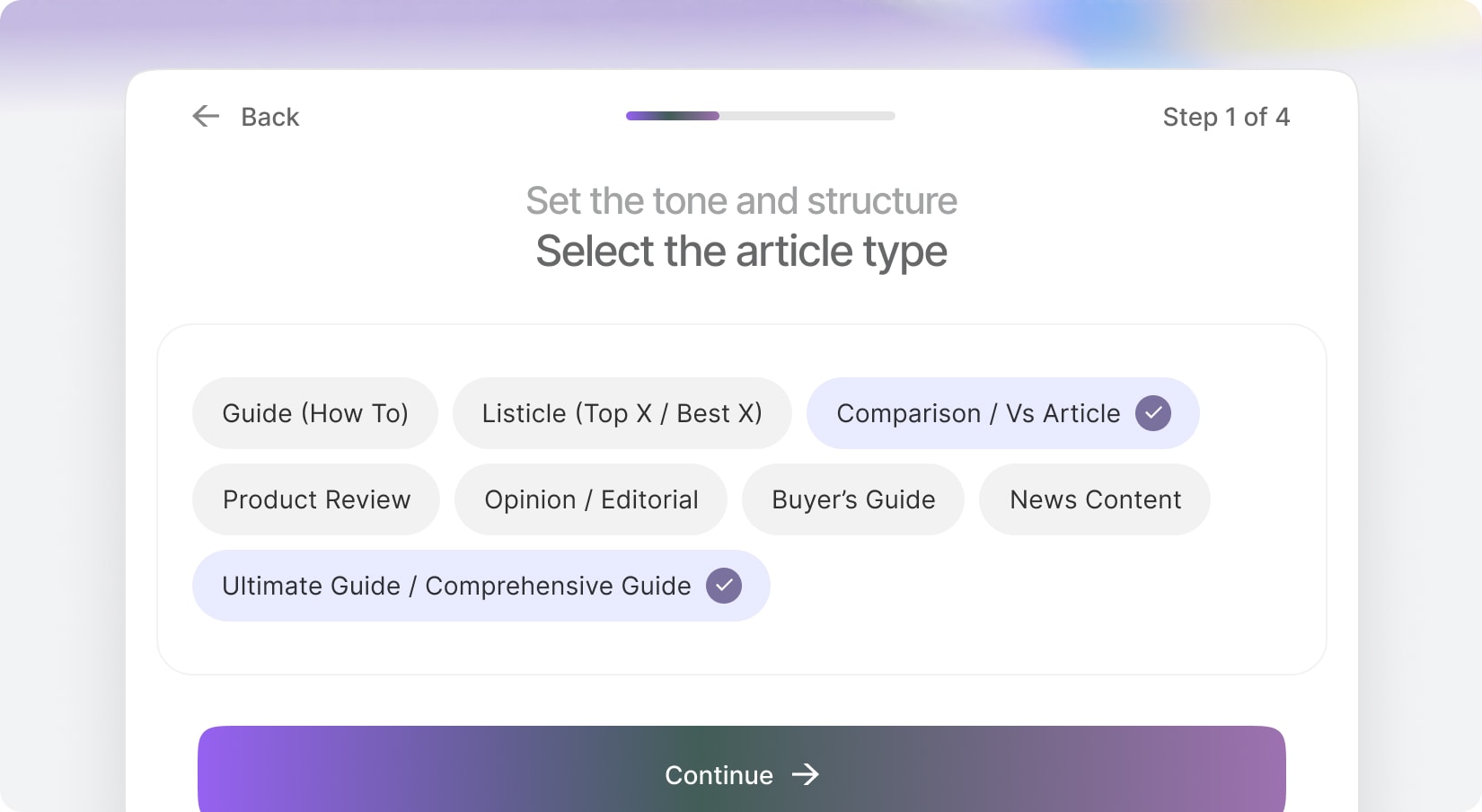
Generate high-quality blog posts in bulk and automatically publish or schedule them directly to your WordPress site. Simply define your topics, keywords, tone, and publishing frequency—AI handles the rest. From research and structured content creation to SEO optimization and automated scheduling, everything runs on autopilot.
With new budget-friendly API alternatives, you can achieve more while spending less. Use cleanup to remove imperfections, inpainting to add or replace elements, and reimagine to completely transform an image into something new. The generative fill feature allows you to intelligently fill in missing parts of an image, while the upscaler ensures high image quality even when enlarged. If you’re working with sketches, the sketch to image tool brings your hand-drawn ideas to life, converting them into polished visuals. Additionally, the remove and replace background tools give you full control over your image customization, making it easy to adapt your visuals for various use cases, from product shots and promotional materials to social media content.
New AI Models
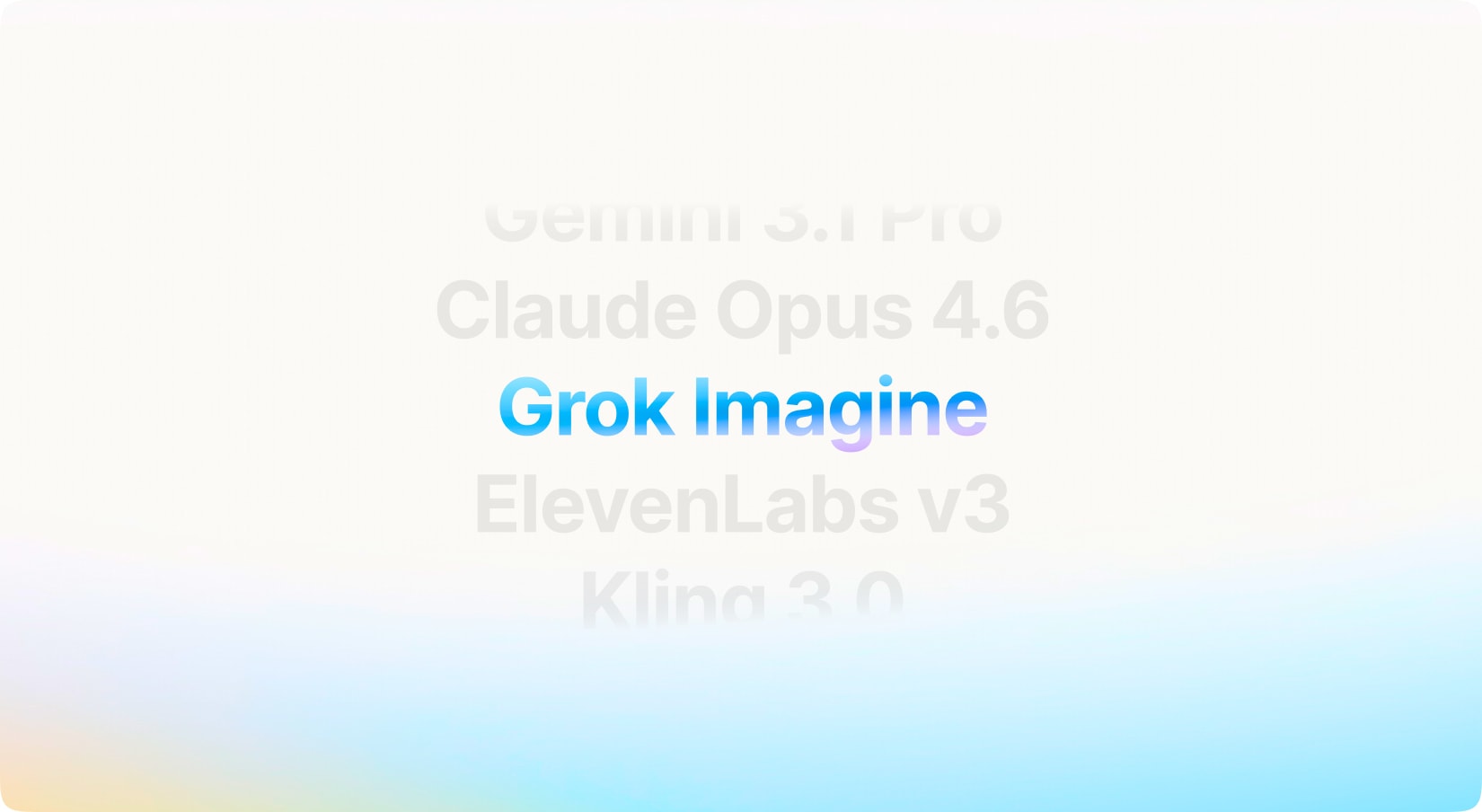
We’ve expanded MagicAI with powerful new AI models to unlock even more creative and intelligent possibilities. The latest update introduces Opus 4.6 and Gemini 3.1 Pro for advanced reasoning and high-quality text generation, ElevenLabs v3 for more natural and expressive voice synthesis, and Nano Banana 2 & Grok Imagine for next-generation AI image and video creation. We’ve also integrated Kling 2.6, Kling 3, and Kling Motion Control, enabling users to generate cinematic AI videos with enhanced realism, smoother motion, and greater control over movement and animation.
With new budget-friendly API alternatives, you can achieve more while spending less. Use cleanup to remove imperfections, inpainting to add or replace elements, and reimagine to completely transform an image into something new. The generative fill feature allows you to intelligently fill in missing parts of an image, while the upscaler ensures high image quality even when enlarged. If you’re working with sketches, the sketch to image tool brings your hand-drawn ideas to life, converting them into polished visuals. Additionally, the remove and replace background tools give you full control over your image customization, making it easy to adapt your visuals for various use cases, from product shots and promotional materials to social media content.
Youtube & Shorts
Your users can now generate AI videos inside the platform or manually upload their own video files, then publish them instantly to their connected YouTube account. The system supports standard YouTube videos as well as vertical Shorts format, automatically detecting aspect ratio and duration requirements to ensure compatibility. This feature streamlines the entire workflow—from creation to distribution—allowing your users to manage video publishing without leaving the dashboard.
With new budget-friendly API alternatives, you can achieve more while spending less. Use cleanup to remove imperfections, inpainting to add or replace elements, and reimagine to completely transform an image into something new. The generative fill feature allows you to intelligently fill in missing parts of an image, while the upscaler ensures high image quality even when enlarged. If you’re working with sketches, the sketch to image tool brings your hand-drawn ideas to life, converting them into polished visuals. Additionally, the remove and replace background tools give you full control over your image customization, making it easy to adapt your visuals for various use cases, from product shots and promotional materials to social media content.
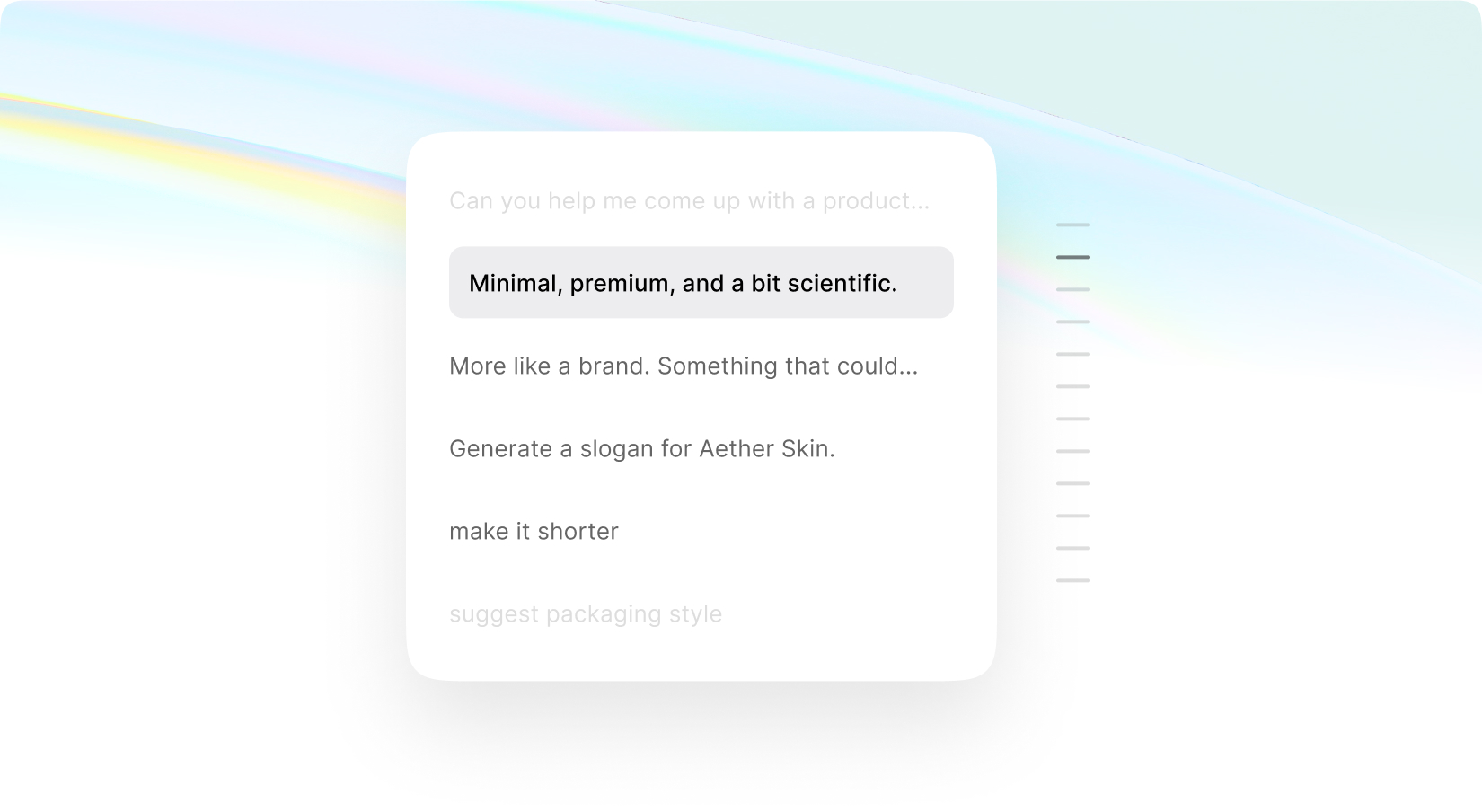
Follow Up Questions
We’ve added a built-in Follow Up Questions option to
AI Chat Pro that intelligently suggests relevant prompts after each response, helping users naturally continue the conversation without friction. When enabled, AI analyzes the context of the discussion and generates smart, contextual follow-up ideas that keep engagement high and exploration effortless. This feature is fully integrated into Chat Pro and comes with two different display styles, allowing you to match the experience to your UI preference.
With new budget-friendly API alternatives, you can achieve more while spending less. Use cleanup to remove imperfections, inpainting to add or replace elements, and reimagine to completely transform an image into something new. The generative fill feature allows you to intelligently fill in missing parts of an image, while the upscaler ensures high image quality even when enlarged. If you’re working with sketches, the sketch to image tool brings your hand-drawn ideas to life, converting them into polished visuals. Additionally, the remove and replace background tools give you full control over your image customization, making it easy to adapt your visuals for various use cases, from product shots and promotional materials to social media content.
Publish Posts and Stories
The Post & Story Publishing option allows users to publish either standard posts or stories on supported platforms directly from both Social Media Agent and Social Media Suite. When creating content, users can select their preferred format, and MagicAI intelligently detects which connected platforms support story publishing, showing or hiding the option accordingly. This enhancement enables users to diversify their content strategy, increase engagement through stories, and manage both permanent posts and short-lived content seamlessly within a unified workflow.
With new budget-friendly API alternatives, you can achieve more while spending less. Use cleanup to remove imperfections, inpainting to add or replace elements, and reimagine to completely transform an image into something new. The generative fill feature allows you to intelligently fill in missing parts of an image, while the upscaler ensures high image quality even when enlarged. If you’re working with sketches, the sketch to image tool brings your hand-drawn ideas to life, converting them into polished visuals. Additionally, the remove and replace background tools give you full control over your image customization, making it easy to adapt your visuals for various use cases, from product shots and promotional materials to social media content.
AI Integration for Creative Suite
Creative Suite is now fully powered by AI, transforming it into a complete visual creation engine. You can edit images directly inside the suite using advanced AI tools—remove backgrounds in one click, reimagine visuals with intelligent enhancements, or refine details without switching platforms. Whether you’re adjusting compositions, generating new variations, or enhancing quality, everything happens seamlessly within your workflow. Plus, you can now apply beautiful gradient overlays to elevate your designs instantly, giving you more creative control and modern styling options—all in one unified experience.
With new budget-friendly API alternatives, you can achieve more while spending less. Use cleanup to remove imperfections, inpainting to add or replace elements, and reimagine to completely transform an image into something new. The generative fill feature allows you to intelligently fill in missing parts of an image, while the upscaler ensures high image quality even when enlarged. If you’re working with sketches, the sketch to image tool brings your hand-drawn ideas to life, converting them into polished visuals. Additionally, the remove and replace background tools give you full control over your image customization, making it easy to adapt your visuals for various use cases, from product shots and promotional materials to social media content.
Carousel Posts and Smart Prompt
Create eye-catching carousel posts that display multiple beautiful images in a smooth sequence.
Additionally, you can utilize custom AI image prompts to generate one-of-a-kind visuals within Social Media Suite, allowing you full control over your content.
With new budget-friendly API alternatives, you can achieve more while spending less. Use cleanup to remove imperfections, inpainting to add or replace elements, and reimagine to completely transform an image into something new. The generative fill feature allows you to intelligently fill in missing parts of an image, while the upscaler ensures high image quality even when enlarged. If you’re working with sketches, the sketch to image tool brings your hand-drawn ideas to life, converting them into polished visuals. Additionally, the remove and replace background tools give you full control over your image customization, making it easy to adapt your visuals for various use cases, from product shots and promotional materials to social media content.
Included with Premium Membership
Redefining Creativity with AI Image Pro
AI Image Pro transforms image generation into a fast, inspiring creative playground. It features a redesigned interface where users can control ratios, styles, and variations while generating visuals with frontier AI models. Users can train their own style or switch between ready-made looks. It runs inside your dashboard or as a public anonymous frontend with limits, credits, or paywalls.
The Public Gallery and Profiles enable sharing, discovery, and creator recognition. Chat Pro acts as a real-time creative co-pilot for generating, editing, remixing, and creating variations. Smart workflows support product photos, thumbnails, avatars, and placements. A lightning-fast media library and real-time history ensure no ideas are lost. Precise Smart Edit powered by advanced AI allows users to enhance, replace, or transform images instantly.
Turn ideas into visuals in seconds with advanced options
Works as dashboard tool or public frontend
Real-time image generation with full history
Chat-based AI for faster creation & edits
Train AI on custom styles or use ready presets
Public gallery to inspire & grow your community
Built-in media library for speed & organization
Powered by frontier AI image models
With new budget-friendly API alternatives, you can achieve more while spending less. Use cleanup to remove imperfections, inpainting to add or replace elements, and reimagine to completely transform an image into something new. The generative fill feature allows you to intelligently fill in missing parts of an image, while the upscaler ensures high image quality even when enlarged. If you’re working with sketches, the sketch to image tool brings your hand-drawn ideas to life, converting them into polished visuals. Additionally, the remove and replace background tools give you full control over your image customization, making it easy to adapt your visuals for various use cases, from product shots and promotional materials to social media content.
Smart Memory for AI Chat Pro
Allow your users to turn AI from a blank slate into a
context-aware assistant that actually remembers how it should think, respond, and behave. This extension lets your users define instructions, system knowledge, and behavioral guardrails directly in AI Chat Pro. Instead of repeating the same prompts over and over, your users can teach the AI Chat Pro once—and it follows those rules consistently across conversations.
With new budget-friendly API alternatives, you can achieve more while spending less. Use cleanup to remove imperfections, inpainting to add or replace elements, and reimagine to completely transform an image into something new. The generative fill feature allows you to intelligently fill in missing parts of an image, while the upscaler ensures high image quality even when enlarged. If you’re working with sketches, the sketch to image tool brings your hand-drawn ideas to life, converting them into polished visuals. Additionally, the remove and replace background tools give you full control over your image customization, making it easy to adapt your visuals for various use cases, from product shots and promotional materials to social media content.
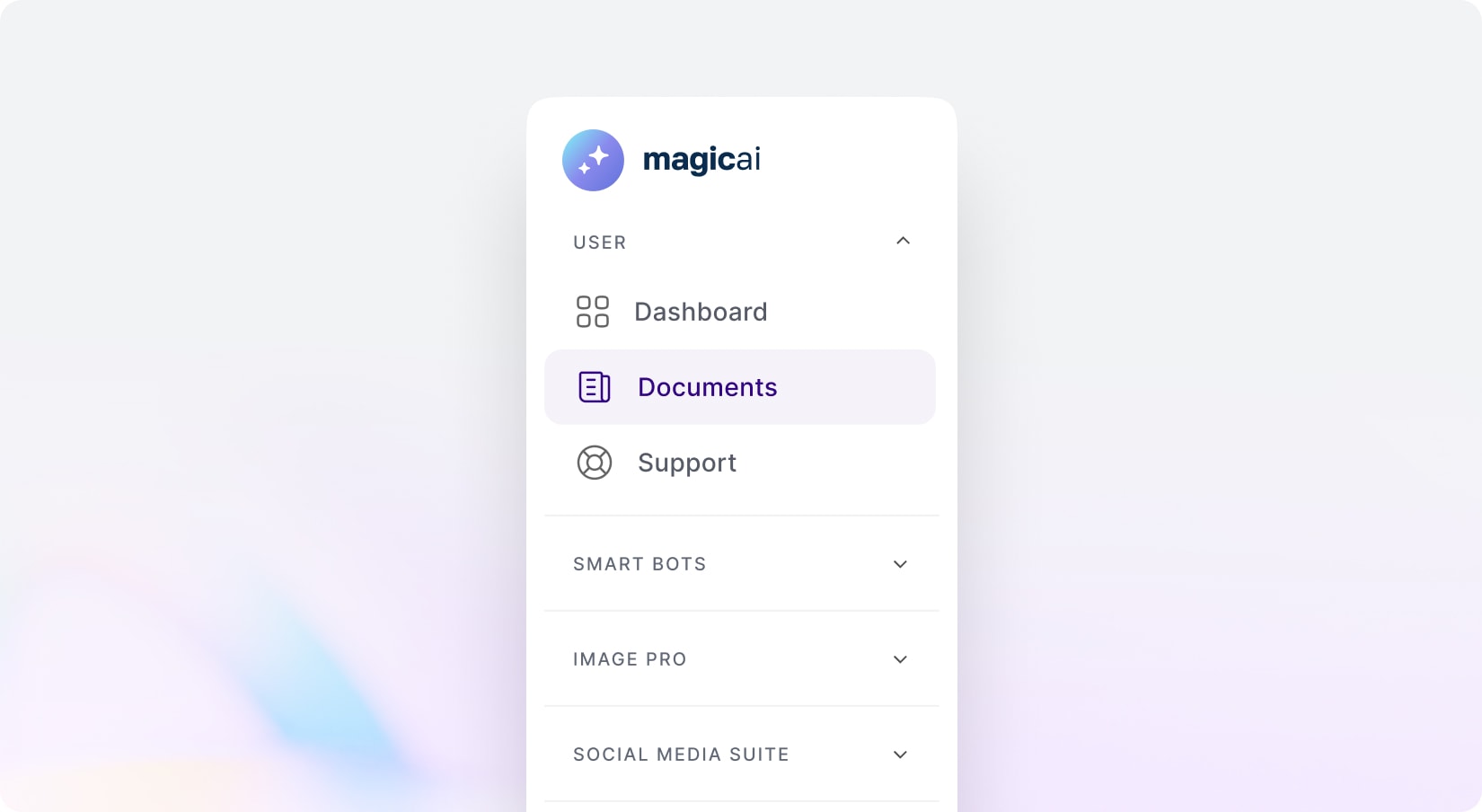
Organize Chat with Folders for AI Chat Pro
Create, organize, and manage folders directly inside
AI Chat Pro to keep your conversations structured and easy to navigate. Group chats by project, client, or purpose, move conversations in seconds, and stay focused with a clean, clutter-free workspace that scales as your chat history grows. Move conversations with a click, keep long chat histories clutter-free, and always find the right context when you need it.
With new budget-friendly API alternatives, you can achieve more while spending less. Use cleanup to remove imperfections, inpainting to add or replace elements, and reimagine to completely transform an image into something new. The generative fill feature allows you to intelligently fill in missing parts of an image, while the upscaler ensures high image quality even when enlarged. If you’re working with sketches, the sketch to image tool brings your hand-drawn ideas to life, converting them into polished visuals. Additionally, the remove and replace background tools give you full control over your image customization, making it easy to adapt your visuals for various use cases, from product shots and promotional materials to social media content.