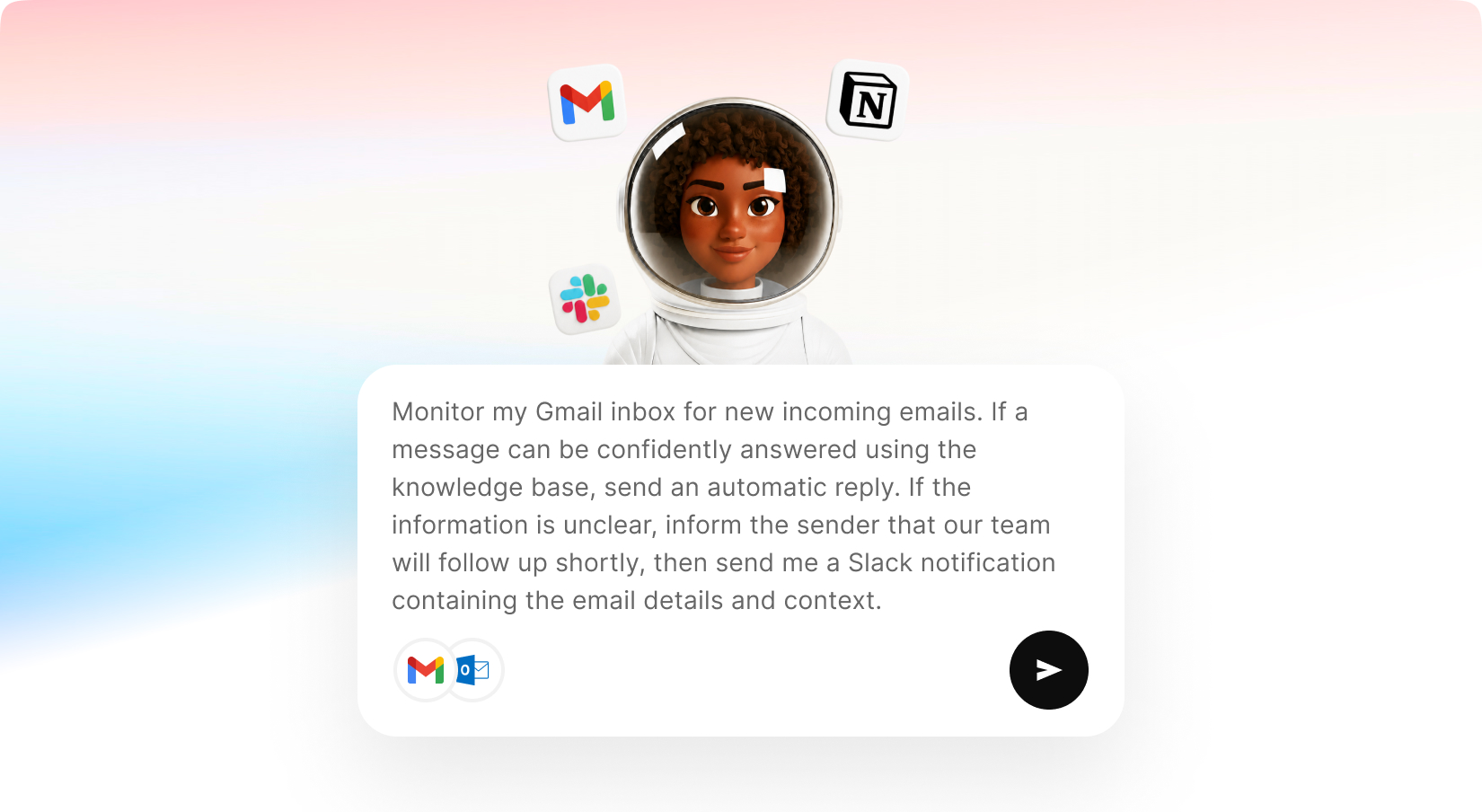
Build powerful AI agents that can communicate across channels like Telegram, Slack, WhatsApp, and more, while connecting to external services such as Gmail, Outlook, calendars, and productivity tools. AI Agent Builder enables users to create custom agents that can access connected tools, understand requests, retrieve information, perform actions, and automate workflows using advanced AI models and real-time integrations.
You can create a personal assistant that delivers daily reports, an email agent that reads, summarizes, and drafts messages for you, a social media agent that manages your online presence through WhatsApp, or a business assistant that monitors operations and keeps your team informed through Slack.
With AI Agent Builder, your agents can work autonomously while staying connected to the tools, data, and communication channels you use every day.
Build intelligent agents tailored to your specific business needs and use cases.
Train agents on your own documents, company information, FAQs, and business knowledge.
Deploy agents across messaging apps, and channels.
Automate Social Media, Marketing, and External Chatbot features directly from MagicAI
Connect agents to external services like Gmail and Outlook.
Slack – Communicate with your team and automate workplace workflows.
Telegram – Provide support and automation through Telegram channels and chats.
WhatsApp – Stay in touch with your agents through WhatsApp
With new budget-friendly API alternatives, you can achieve more while spending less. Use cleanup to remove imperfections, inpainting to add or replace elements, and reimagine to completely transform an image into something new. The generative fill feature allows you to intelligently fill in missing parts of an image, while the upscaler ensures high image quality even when enlarged. If you’re working with sketches, the sketch to image tool brings your hand-drawn ideas to life, converting them into polished visuals. Additionally, the remove and replace background tools give you full control over your image customization, making it easy to adapt your visuals for various use cases, from product shots and promotional materials to social media content.
Shared Credits Pool
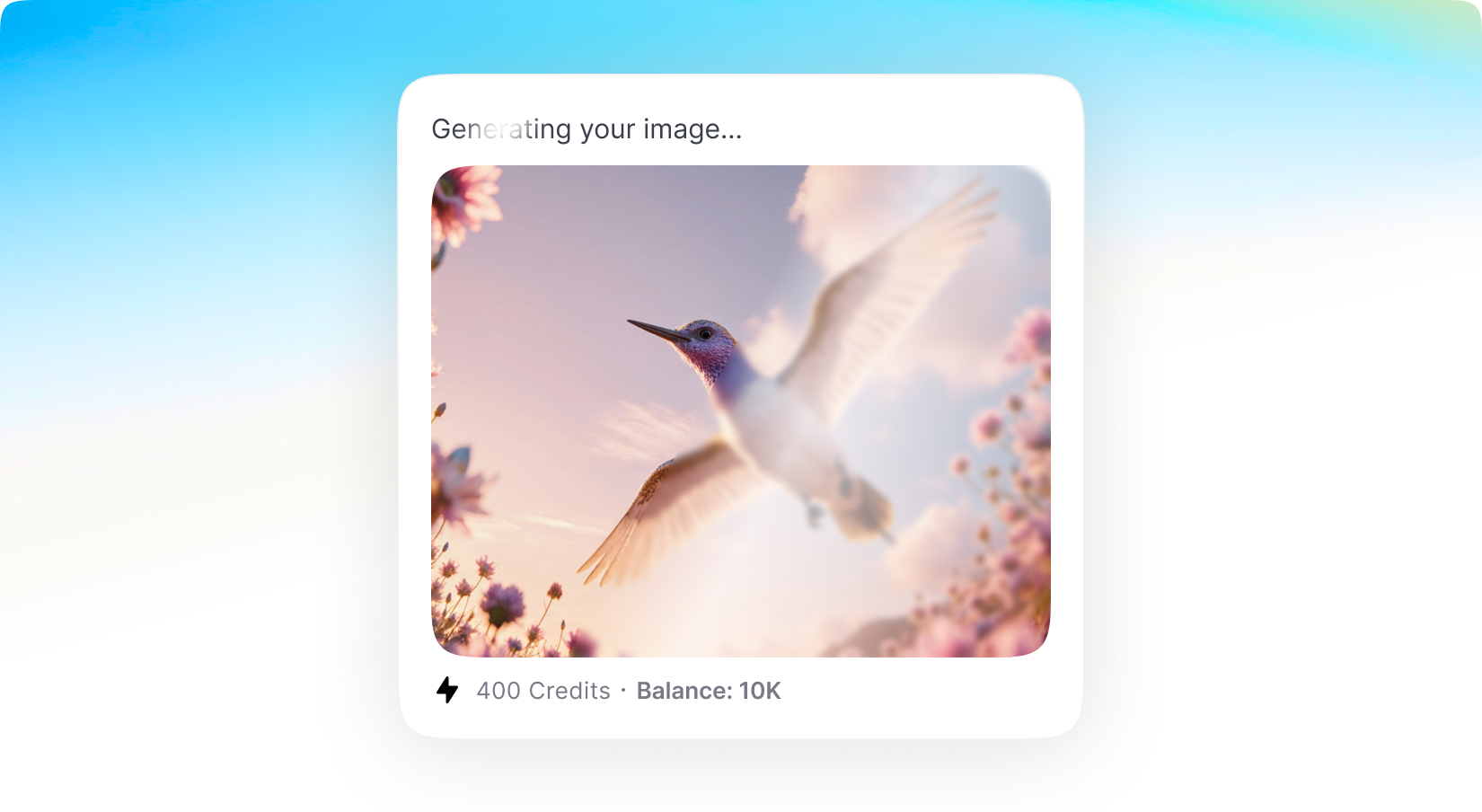
The wait is over. Alongside MagicAI's classic credit system — where you assign separate credit allowances for each generation type — you can now also offer Shared Credits: a single unified pool that users spend however they want. Assign credits to your plan, enable the features you want included, and your users are free to use those credits on anything from chat to images to videos. And there's no guesswork: users see the estimated credit cost before every generation starts, so they always know exactly what they're spending.
You also stay in full control of the economics. Shared Credits ships with a default cost index covering every provider, model, and generation type, so it works out of the box — but you can override it with custom cost multipliers to fine-tune your margins. Shared Credits are optional alongside the traditional credits system, but they can unlock powerful flexibility for a wide range of businesses.
With new budget-friendly API alternatives, you can achieve more while spending less. Use cleanup to remove imperfections, inpainting to add or replace elements, and reimagine to completely transform an image into something new. The generative fill feature allows you to intelligently fill in missing parts of an image, while the upscaler ensures high image quality even when enlarged. If you’re working with sketches, the sketch to image tool brings your hand-drawn ideas to life, converting them into polished visuals. Additionally, the remove and replace background tools give you full control over your image customization, making it easy to adapt your visuals for various use cases, from product shots and promotional materials to social media content.
Marketing Bot v2
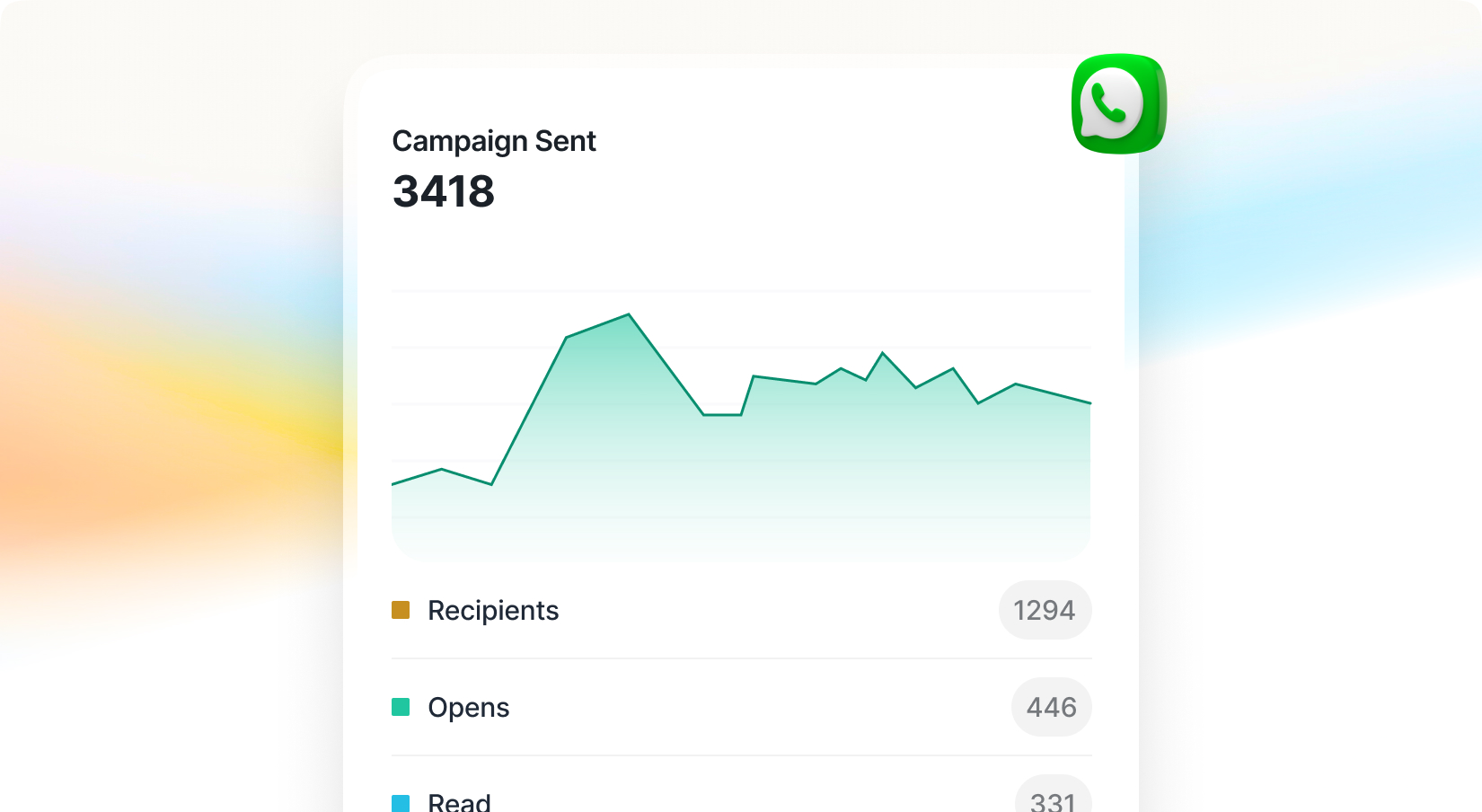
Marketing Bot just got its biggest upgrade yet: MagicAI now ships with official Meta support, connecting your bots through Meta's official API for a fully compliant, reliable integration with no fragile workarounds.This release also adds a built-in analytics dashboard so you can track deliveries, engagement, and campaign performance at a glance; configurable sending limits that let you set caps per plan or per user to manage costs and align usage with your pricing tiers; and bulk import, so you can upload your entire audience in one step instead of adding contacts one by one.
With new budget-friendly API alternatives, you can achieve more while spending less. Use cleanup to remove imperfections, inpainting to add or replace elements, and reimagine to completely transform an image into something new. The generative fill feature allows you to intelligently fill in missing parts of an image, while the upscaler ensures high image quality even when enlarged. If you’re working with sketches, the sketch to image tool brings your hand-drawn ideas to life, converting them into polished visuals. Additionally, the remove and replace background tools give you full control over your image customization, making it easy to adapt your visuals for various use cases, from product shots and promotional materials to social media content.
AI Video Pro v2
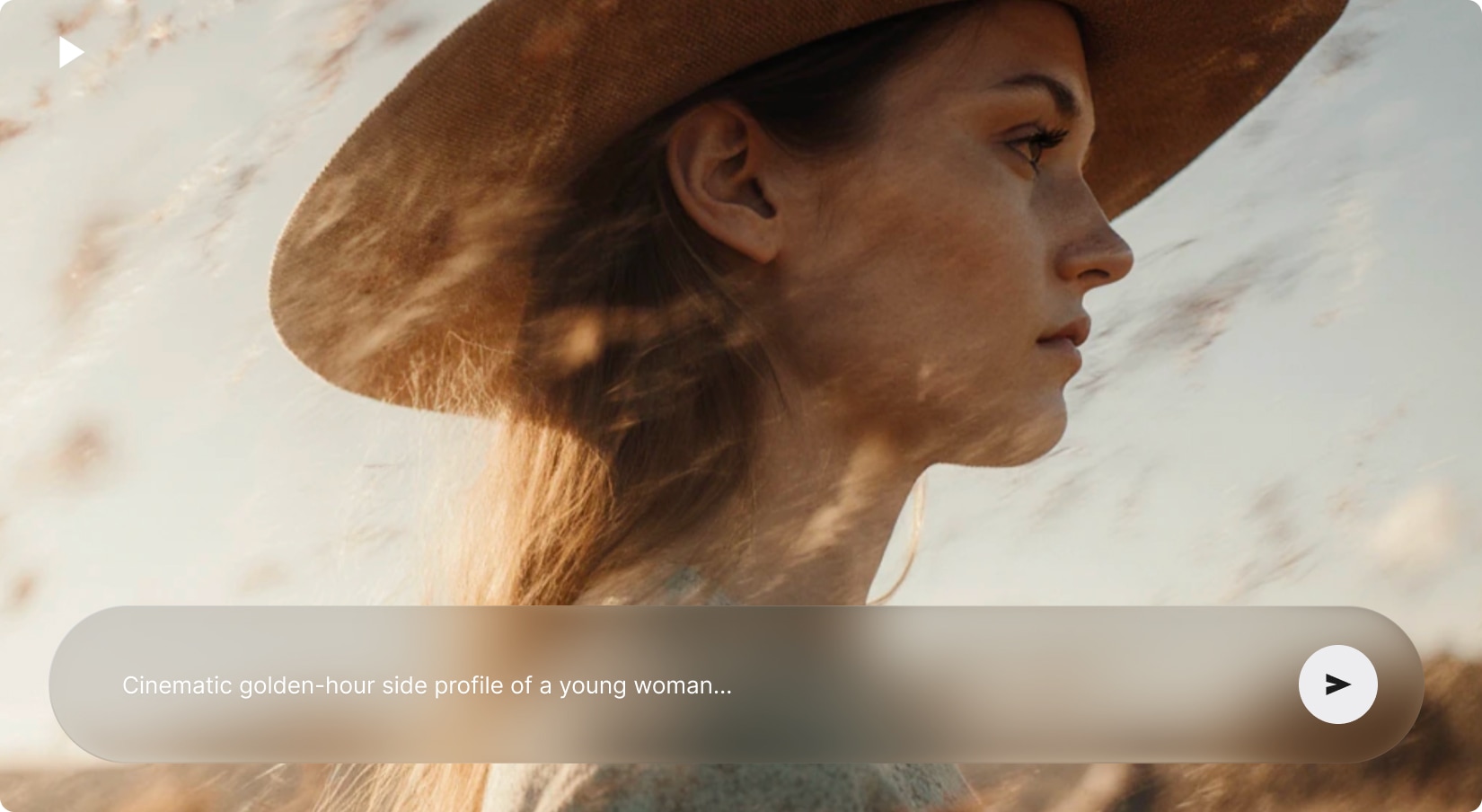
Meet the future of video creation with AI Video Pro's all-new interface—sleek, intuitive, and designed to make video-making a breeze. Powered by advanced AI models like Seedance 2.0, Kling, and Video Background Removal, it offers smarter, more customizable video generation.
With new budget-friendly API alternatives, you can achieve more while spending less. Use cleanup to remove imperfections, inpainting to add or replace elements, and reimagine to completely transform an image into something new. The generative fill feature allows you to intelligently fill in missing parts of an image, while the upscaler ensures high image quality even when enlarged. If you’re working with sketches, the sketch to image tool brings your hand-drawn ideas to life, converting them into polished visuals. Additionally, the remove and replace background tools give you full control over your image customization, making it easy to adapt your visuals for various use cases, from product shots and promotional materials to social media content.
Included with Premium Membership
AI Video Editor
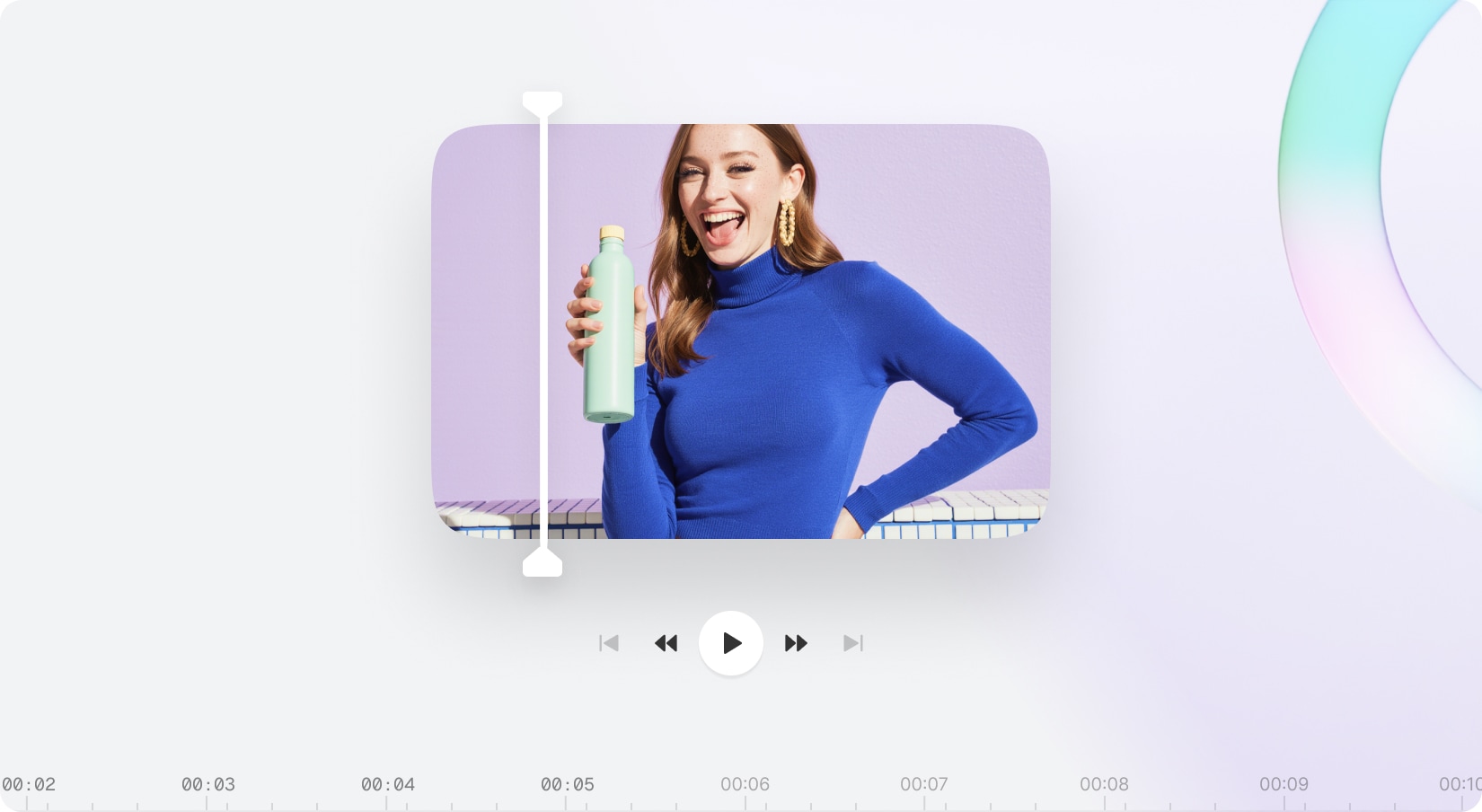
Unlock your creativity and produce stunning videos effortlessly with the brand-new AI Video Editor. Trim, split, and fine-tune your clips, add custom text or media, and adjust timelines to bring your ideas to life. Create diverse media—from AI videos and music tracks to voiceovers—all within a single powerful platform. Seamlessly combine multiple videos with our all-in-one editor designed to simplify your creative workflow and deliver professional-quality results.
With new budget-friendly API alternatives, you can achieve more while spending less. Use cleanup to remove imperfections, inpainting to add or replace elements, and reimagine to completely transform an image into something new. The generative fill feature allows you to intelligently fill in missing parts of an image, while the upscaler ensures high image quality even when enlarged. If you’re working with sketches, the sketch to image tool brings your hand-drawn ideas to life, converting them into polished visuals. Additionally, the remove and replace background tools give you full control over your image customization, making it easy to adapt your visuals for various use cases, from product shots and promotional materials to social media content.
Included with Premium Membership
UGC Creator
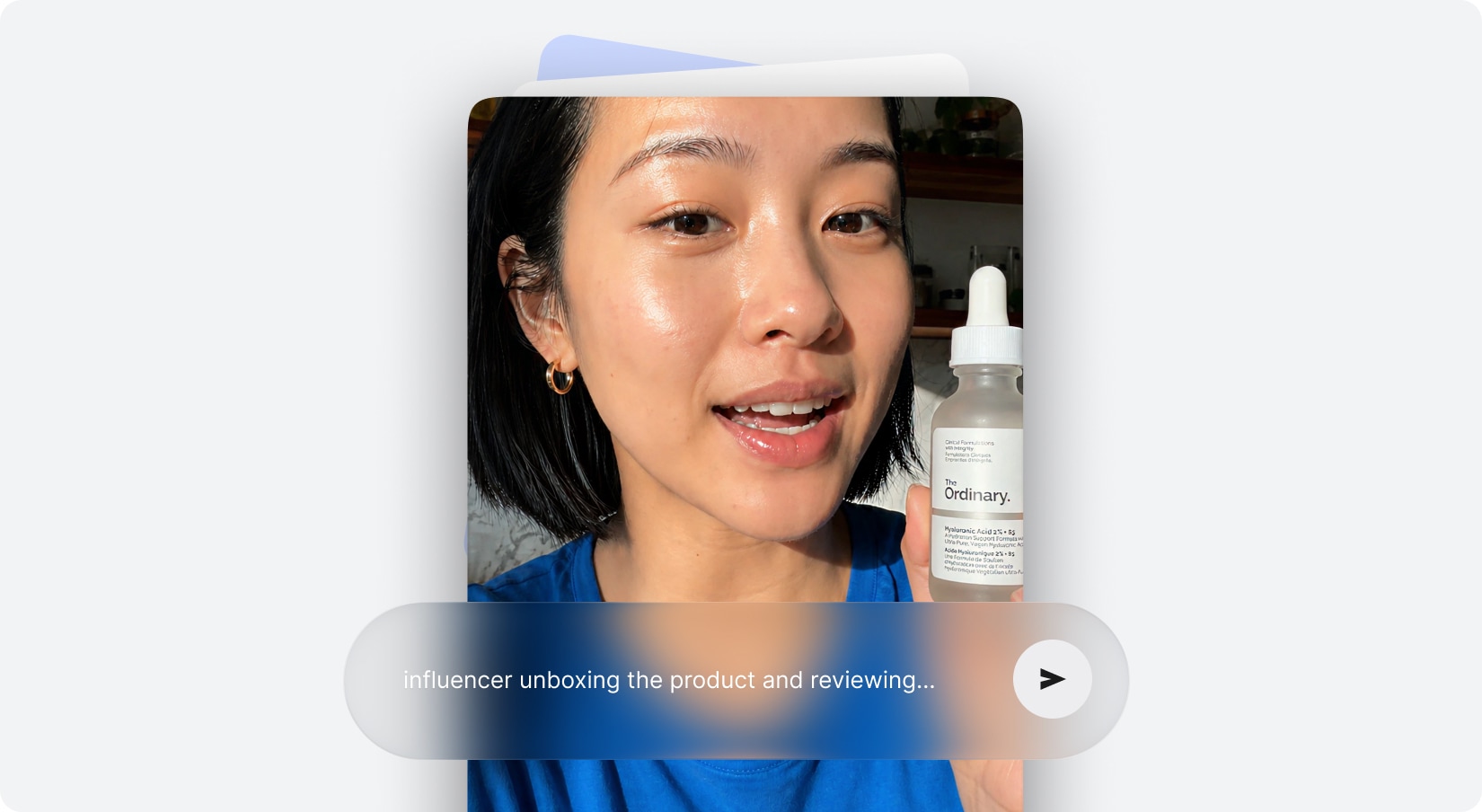
Turn your ideas into stunning AI-driven UGC videos with effortless customization. Simply upload your product and avatar images, enhance scripts with dialogue, voiceovers, and character actions, then adjust camera settings or let auto mode do the work. Create any UGC video you envision—unleash endless creative potential.
With new budget-friendly API alternatives, you can achieve more while spending less. Use cleanup to remove imperfections, inpainting to add or replace elements, and reimagine to completely transform an image into something new. The generative fill feature allows you to intelligently fill in missing parts of an image, while the upscaler ensures high image quality even when enlarged. If you’re working with sketches, the sketch to image tool brings your hand-drawn ideas to life, converting them into polished visuals. Additionally, the remove and replace background tools give you full control over your image customization, making it easy to adapt your visuals for various use cases, from product shots and promotional materials to social media content.
Included with Premium Membership
UGC Factory
Create engaging UGC content for your social media and marketing campaigns with ease. Choose from a variety of actors, design your own unique actor using AI technology, or upload your own image to generate a personalized digital twin. They can share your story in a way that truly represents you and your idea whether you prefer your own voice or AI voice, the choice is yours to craft the perfect narrative that connects with your audience.
With new budget-friendly API alternatives, you can achieve more while spending less. Use cleanup to remove imperfections, inpainting to add or replace elements, and reimagine to completely transform an image into something new. The generative fill feature allows you to intelligently fill in missing parts of an image, while the upscaler ensures high image quality even when enlarged. If you’re working with sketches, the sketch to image tool brings your hand-drawn ideas to life, converting them into polished visuals. Additionally, the remove and replace background tools give you full control over your image customization, making it easy to adapt your visuals for various use cases, from product shots and promotional materials to social media content.
AI Persona v2
Discover the all-new AI Persona Experience with a sleek, user-friendly interface. Enjoy vibrant, eye-catching avatars that truly bring your AI personas to life. Hover over any avatar to see a live preview in action—giving you a firsthand look at their behavior and style before exporting. Time to experience a smoother, more intuitive way to create like never before!
With new budget-friendly API alternatives, you can achieve more while spending less. Use cleanup to remove imperfections, inpainting to add or replace elements, and reimagine to completely transform an image into something new. The generative fill feature allows you to intelligently fill in missing parts of an image, while the upscaler ensures high image quality even when enlarged. If you’re working with sketches, the sketch to image tool brings your hand-drawn ideas to life, converting them into polished visuals. Additionally, the remove and replace background tools give you full control over your image customization, making it easy to adapt your visuals for various use cases, from product shots and promotional materials to social media content.
Included with Premium Membership
AI Captions
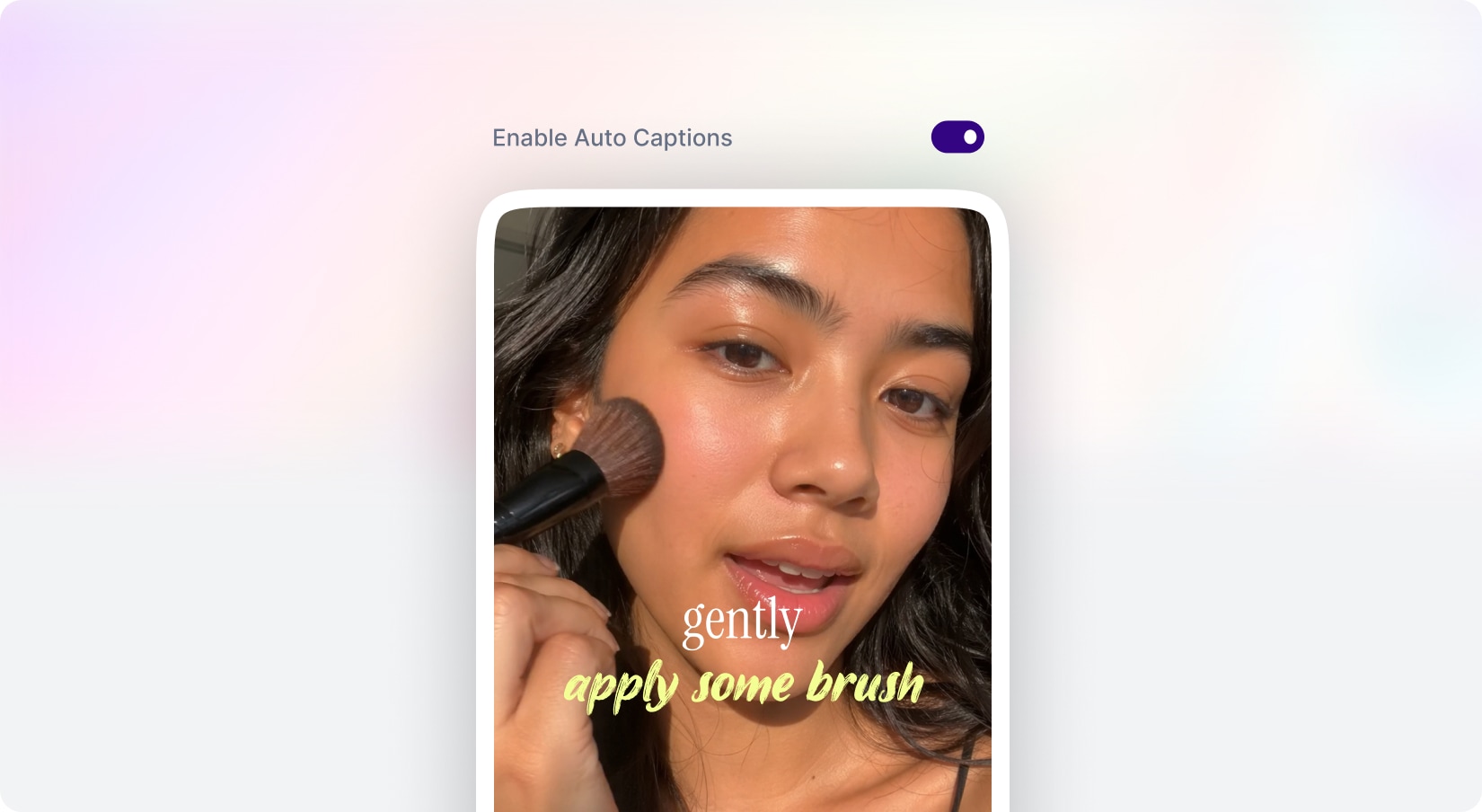
Let users easily craft stunning captions and subtitles for their videos. They can upload a new clip or choose from their library, select from stylish caption templates that fit their content’s mood, and generate a captioned video instantly. MagicAI quickly adds precise, eye-catching subtitles in seconds, boosting accessibility and viewer engagement.
With new budget-friendly API alternatives, you can achieve more while spending less. Use cleanup to remove imperfections, inpainting to add or replace elements, and reimagine to completely transform an image into something new. The generative fill feature allows you to intelligently fill in missing parts of an image, while the upscaler ensures high image quality even when enlarged. If you’re working with sketches, the sketch to image tool brings your hand-drawn ideas to life, converting them into polished visuals. Additionally, the remove and replace background tools give you full control over your image customization, making it easy to adapt your visuals for various use cases, from product shots and promotional materials to social media content.
Included with Premium Membership
AI Dubbing
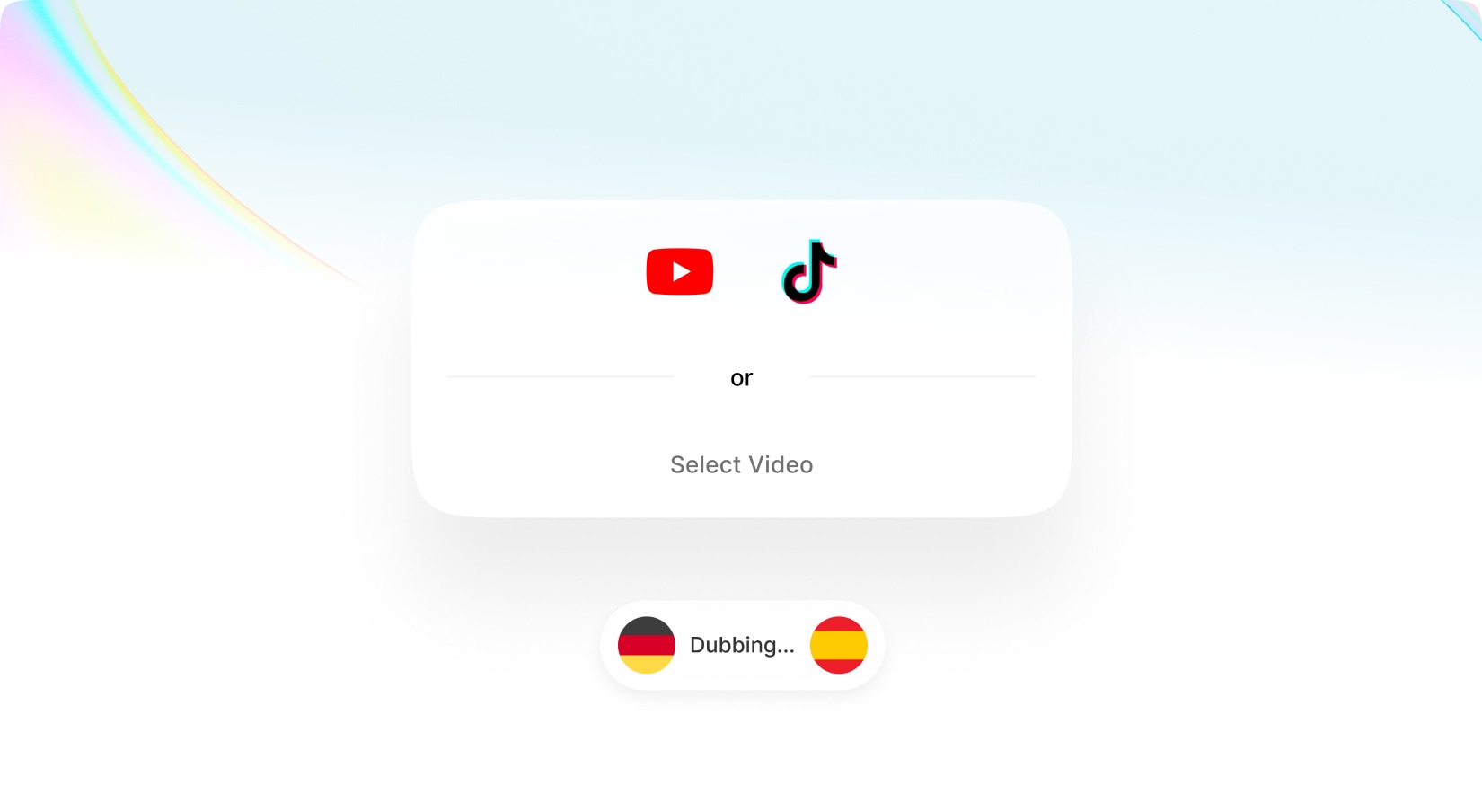
Easily translate your YouTube, TikTok, or any uploaded videos into dozens of languages with just one click. MagicAI not only recognizes the language spoken but also detects the number of speakers and the original source language. This powerful tool lets you translate your video into multiple languages simultaneously, delivering fast and accurate results within seconds so you can expand your audience globally and break language barriers effortlessly.
With new budget-friendly API alternatives, you can achieve more while spending less. Use cleanup to remove imperfections, inpainting to add or replace elements, and reimagine to completely transform an image into something new. The generative fill feature allows you to intelligently fill in missing parts of an image, while the upscaler ensures high image quality even when enlarged. If you’re working with sketches, the sketch to image tool brings your hand-drawn ideas to life, converting them into polished visuals. Additionally, the remove and replace background tools give you full control over your image customization, making it easy to adapt your visuals for various use cases, from product shots and promotional materials to social media content.
New Web Search Tool
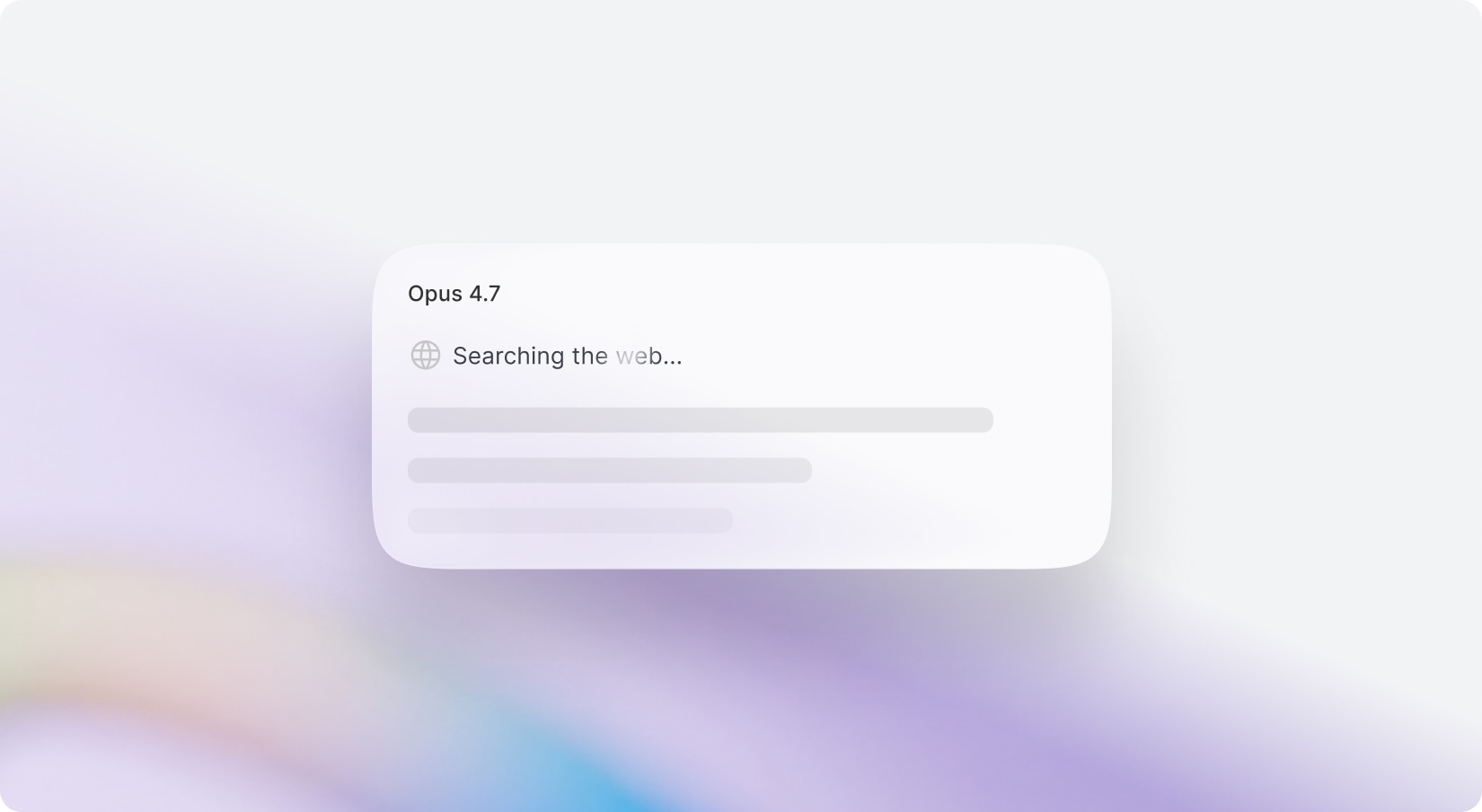
Discover the power of seamless web search integration across all OpenAI, Gemini, and Anthropic models! Now, you can pair any model—not just GPT-4o—with a real-time web search tool for the freshest, most accurate results. Opt for any AI model with web search enabled, and experience direct, optimized access without defaulting to GPT-4o’s search preview. Prefer the classic GPT-4o? It’s still available for your convenience.
With new budget-friendly API alternatives, you can achieve more while spending less. Use cleanup to remove imperfections, inpainting to add or replace elements, and reimagine to completely transform an image into something new. The generative fill feature allows you to intelligently fill in missing parts of an image, while the upscaler ensures high image quality even when enlarged. If you’re working with sketches, the sketch to image tool brings your hand-drawn ideas to life, converting them into polished visuals. Additionally, the remove and replace background tools give you full control over your image customization, making it easy to adapt your visuals for various use cases, from product shots and promotional materials to social media content.
Included with Premium Membership
AI Photoshoot
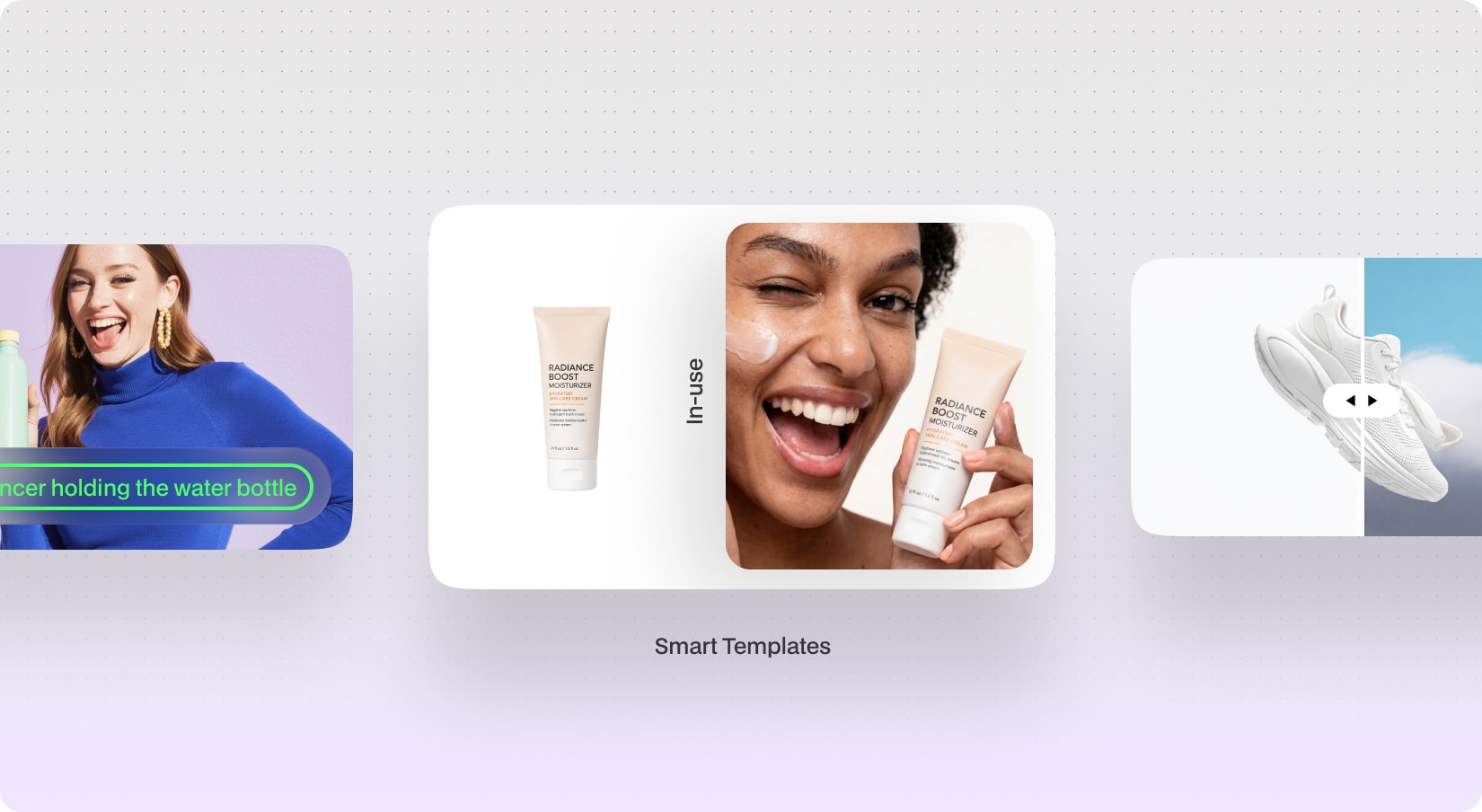
Create stunning AI-powered product photography in seconds with AI Photoshoot. Designed for eCommerce, marketing, and branding workflows, AI Photoshoot allows users to generate realistic product visuals using custom prompts, professional templates, or intelligent background replacement. Whether you want studio-quality product shots, lifestyle imagery, UGC-style content, or billboard-ready advertising visuals, the AI automatically creates polished and high-quality outputs tailored to your product and creative direction.
Perfect for: Social media campaigns, eCommerce photography, advertisements, marketing agencies
Powered by GPT Image 2.0 / NanoBanana 2
With new budget-friendly API alternatives, you can achieve more while spending less. Use cleanup to remove imperfections, inpainting to add or replace elements, and reimagine to completely transform an image into something new. The generative fill feature allows you to intelligently fill in missing parts of an image, while the upscaler ensures high image quality even when enlarged. If you’re working with sketches, the sketch to image tool brings your hand-drawn ideas to life, converting them into polished visuals. Additionally, the remove and replace background tools give you full control over your image customization, making it easy to adapt your visuals for various use cases, from product shots and promotional materials to social media content.