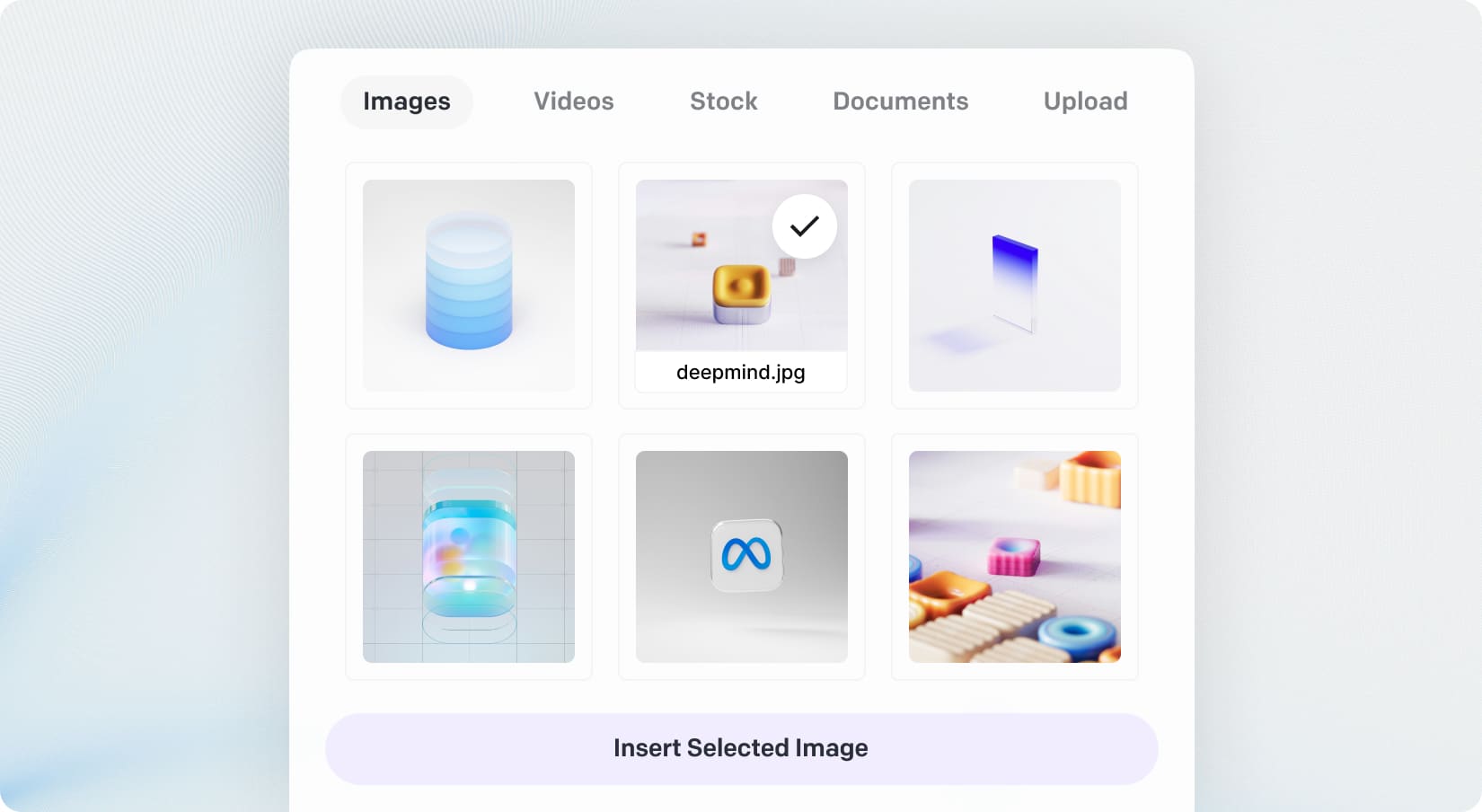
The Content Manager makes it easy to upload, organize, and reuse images, documents, and videos from your media library—no need to re-upload files every time. Simply upload once and use your content across any Magic app. It’s fully integrated with all MagicAI apps—including AI Creative Suite and Video Pro—allowing you to insert media effortlessly wherever you need it. For instance, if you create a new video using AI Clips, it will be automatically added to the Content Manager, ready to be published through the Social Media Suite—no more downloading and re-uploading between tools.
Content Manager is also fully integrated with free stock images and videos, so you can use them directly in apps like AI Influencer, Creative Suite, Image Editor, and more—without leaving MagicAI. It works seamlessly alongside your own uploaded content.With everything in one place—your own media and stock resources—Content Manager gives you a single, streamlined hub to power all your creative workflows.
With new budget-friendly API alternatives, you can achieve more while spending less. Use cleanup to remove imperfections, inpainting to add or replace elements, and reimagine to completely transform an image into something new. The generative fill feature allows you to intelligently fill in missing parts of an image, while the upscaler ensures high image quality even when enlarged. If you’re working with sketches, the sketch to image tool brings your hand-drawn ideas to life, converting them into polished visuals. Additionally, the remove and replace background tools give you full control over your image customization, making it easy to adapt your visuals for various use cases, from product shots and promotional materials to social media content.