Transform MagicAI into a complete AI-powered CRM
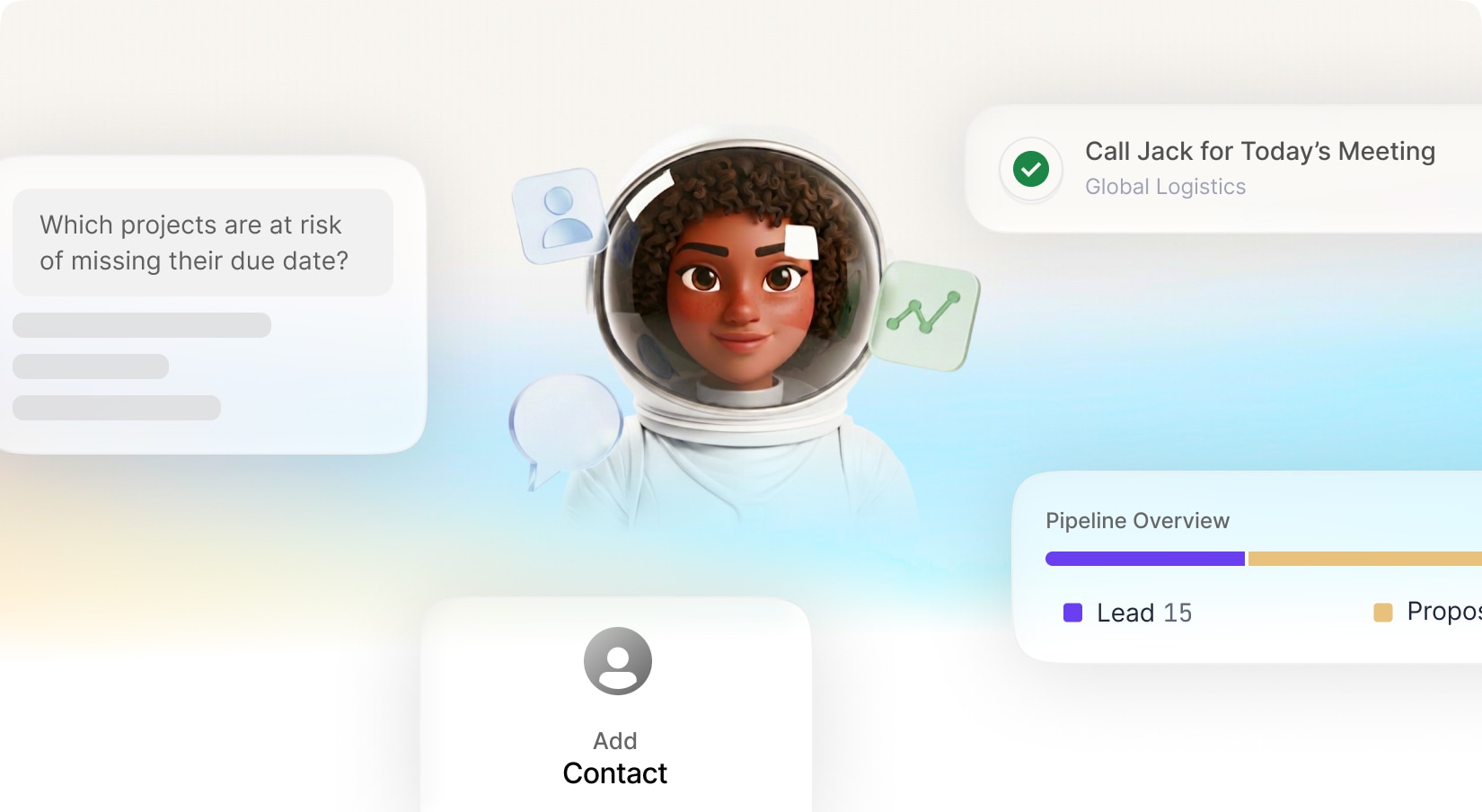
built to manage your entire customer and sales workflow. Organize clients and companies, manage deals and pipelines, track sales, create invoices, record payments, assign tasks, generate reports, and turn your CRM data into professional presentations—all from one connected workspace.At the center is your AI CRM Assistant, giving you a faster way to work with your business data. Simply chat with AI to find information, manage records, analyze sales, create tasks, check deals, generate reports, and more.
Connect your CRM Assistant to WhatsApp and Telegram to access and manage your CRM from anywhere, turning everyday conversations into real CRM actions.
Chat with AI to search, understand, create, update, and manage your CRM data using natural language.
Connect your AI CRM Assistant to WhatsApp and Telegram to manage CRM data through chat.
AI Presentations — Create presentations using your CRM, customer, and sales data.
With new budget-friendly API alternatives, you can achieve more while spending less. Use cleanup to remove imperfections, inpainting to add or replace elements, and reimagine to completely transform an image into something new. The generative fill feature allows you to intelligently fill in missing parts of an image, while the upscaler ensures high image quality even when enlarged. If you’re working with sketches, the sketch to image tool brings your hand-drawn ideas to life, converting them into polished visuals. Additionally, the remove and replace background tools give you full control over your image customization, making it easy to adapt your visuals for various use cases, from product shots and promotional materials to social media content.
Included with Premium Membership
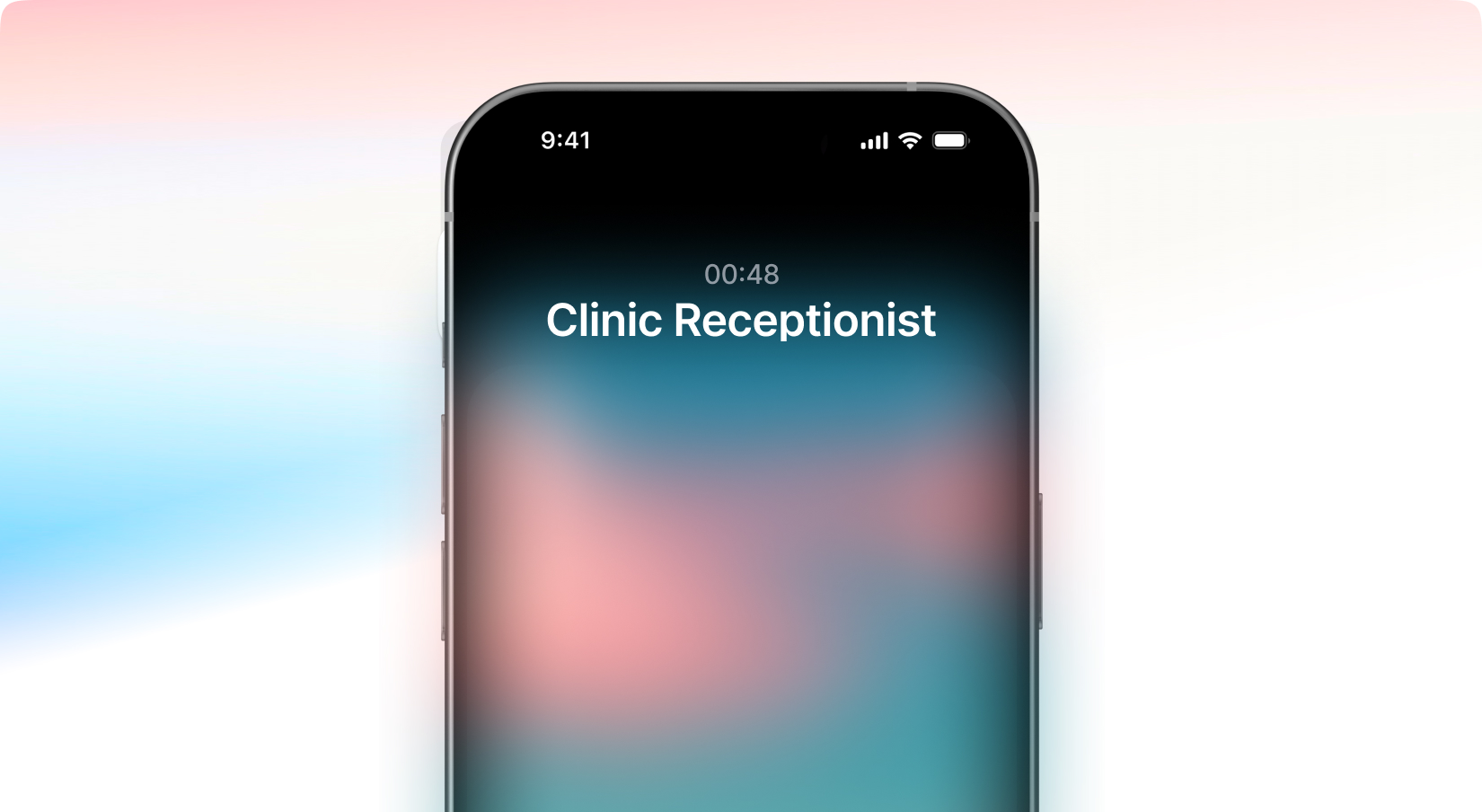
Phone Call Agents
Create AI phone call agents that can answer and manage real phone calls on your behalf with natural, human-like conversations. Automate appointment scheduling, bookings, reservations, customer support, follow-ups, confirmations, lead qualification, and information collection—just like a real assistant. Your AI agents can answer incoming calls, handle routine inquiries, schedule appointments, confirm reservations, qualify potential customers, gather important details, and seamlessly automate repetitive phone-based workflows, allowing your business to stay available 24/7 without missing a call.
With new budget-friendly API alternatives, you can achieve more while spending less. Use cleanup to remove imperfections, inpainting to add or replace elements, and reimagine to completely transform an image into something new. The generative fill feature allows you to intelligently fill in missing parts of an image, while the upscaler ensures high image quality even when enlarged. If you’re working with sketches, the sketch to image tool brings your hand-drawn ideas to life, converting them into polished visuals. Additionally, the remove and replace background tools give you full control over your image customization, making it easy to adapt your visuals for various use cases, from product shots and promotional materials to social media content.
Connectors for AI Chat Pro
Give your AI the context it needs to truly understand you.
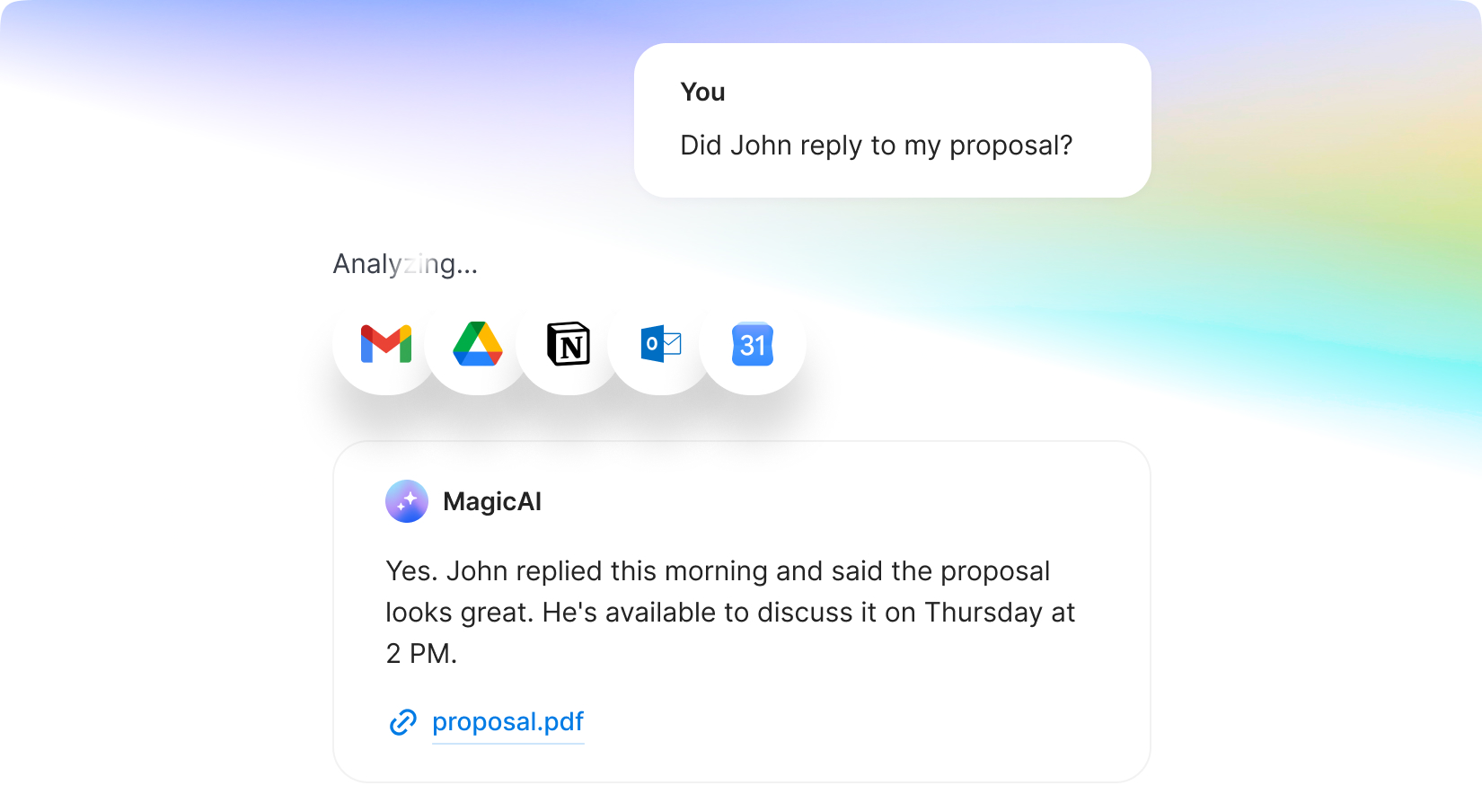
AI Chat Pro now supports powerful integrations with Notion, Gmail, Outlook, Google Drive, and Google Calendar, allowing your AI to access the information that matters most. Instead of relying only on your prompts, it can use your documents, emails, notes, files, meetings, and knowledge to generate responses that are far more relevant, personalized, and context-aware.
Whether you're asking about a recent email, searching through your documents, referencing meeting schedules, summarizing notes, or drafting replies in your own style, AI Chat Pro understands your personal context and delivers answers that feel like they're coming from an assistant who already knows you.
With new budget-friendly API alternatives, you can achieve more while spending less. Use cleanup to remove imperfections, inpainting to add or replace elements, and reimagine to completely transform an image into something new. The generative fill feature allows you to intelligently fill in missing parts of an image, while the upscaler ensures high image quality even when enlarged. If you’re working with sketches, the sketch to image tool brings your hand-drawn ideas to life, converting them into polished visuals. Additionally, the remove and replace background tools give you full control over your image customization, making it easy to adapt your visuals for various use cases, from product shots and promotional materials to social media content.
Youtube Comment Automation
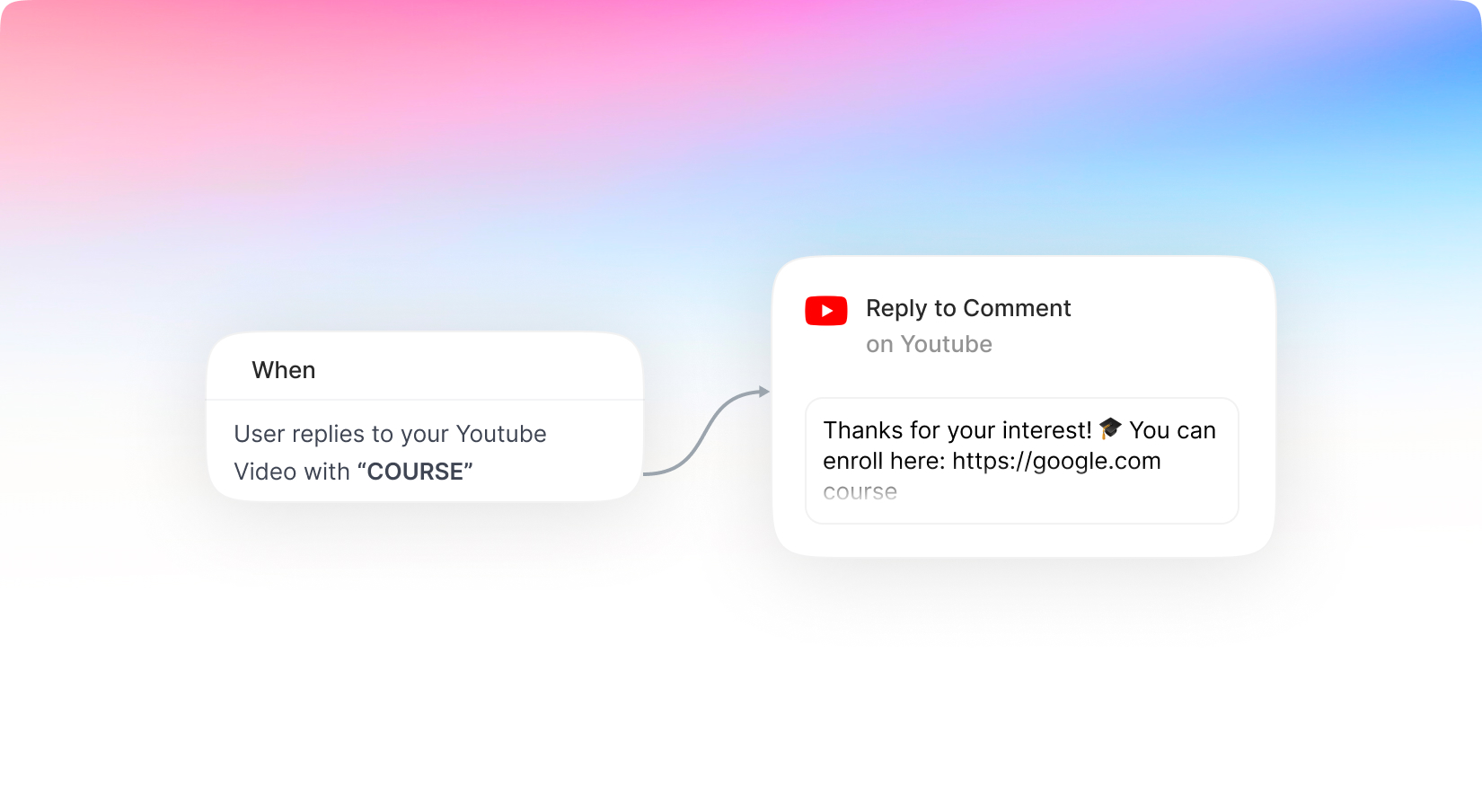
The same agent that manages your social media comments can now seamlessly handle YouTube comments as well—giving you a unified way to engage with your community across platforms. Instantly monitor new comments, give instant replies, engage with your audience, answer common questions, and keep conversations active without manually checking every video.
With new budget-friendly API alternatives, you can achieve more while spending less. Use cleanup to remove imperfections, inpainting to add or replace elements, and reimagine to completely transform an image into something new. The generative fill feature allows you to intelligently fill in missing parts of an image, while the upscaler ensures high image quality even when enlarged. If you’re working with sketches, the sketch to image tool brings your hand-drawn ideas to life, converting them into polished visuals. Additionally, the remove and replace background tools give you full control over your image customization, making it easy to adapt your visuals for various use cases, from product shots and promotional materials to social media content.
New Command Screen
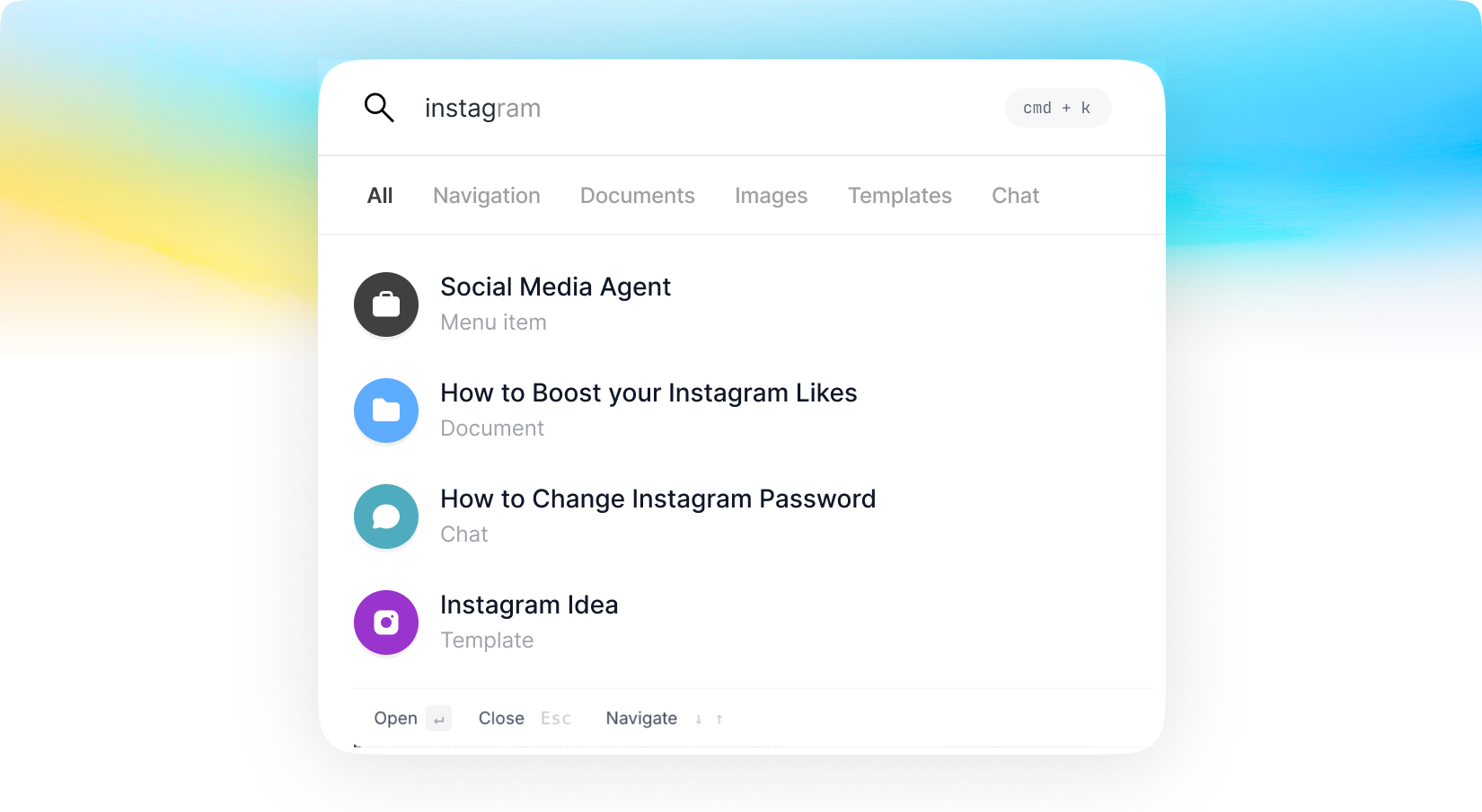
Meet the all-new Command Search. We've completely reimagined search by combining it with a powerful command palette, giving you instant access to everything in one place. Search for AI tools, templates, menu items, documents, settings, conversations, and more—all without leaving your current workflow.
Need to perform an action instead of just finding something? The Command Search lets you launch features, navigate the platform, and execute commands in seconds. You can even start a conversation with AI directly from the command palette, making it the fastest way to search, navigate, and get things done.
With new budget-friendly API alternatives, you can achieve more while spending less. Use cleanup to remove imperfections, inpainting to add or replace elements, and reimagine to completely transform an image into something new. The generative fill feature allows you to intelligently fill in missing parts of an image, while the upscaler ensures high image quality even when enlarged. If you’re working with sketches, the sketch to image tool brings your hand-drawn ideas to life, converting them into polished visuals. Additionally, the remove and replace background tools give you full control over your image customization, making it easy to adapt your visuals for various use cases, from product shots and promotional materials to social media content.
Included with Premium Membership
AI Agent Builder
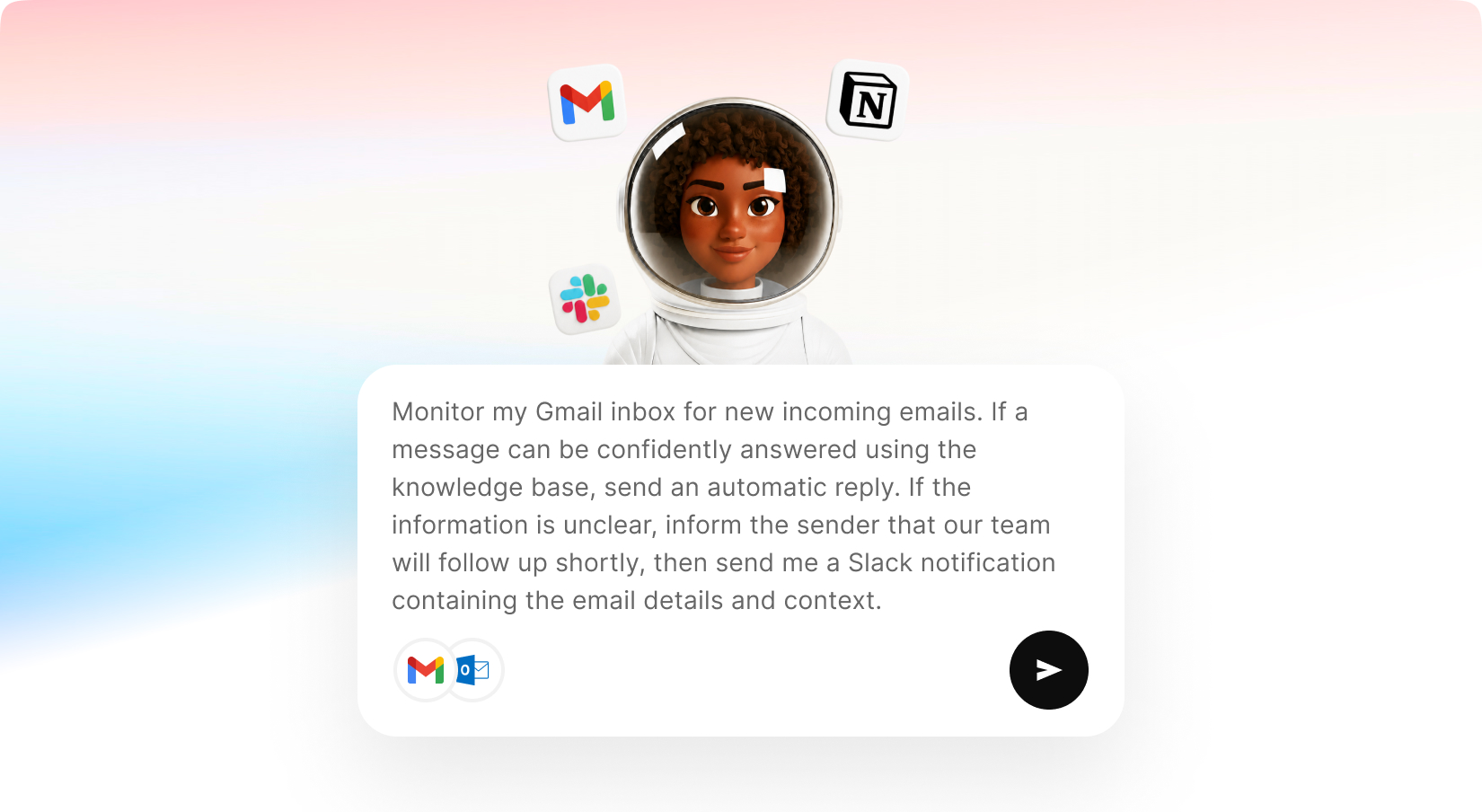
Build powerful AI agents that can communicate across channels like Telegram, Slack, WhatsApp, and more, while connecting to external services such as Gmail, Outlook, calendars, and productivity tools. AI Agent Builder enables users to create custom agents that can access connected tools, understand requests, retrieve information, perform actions, and automate workflows using advanced AI models and real-time integrations.
You can create a personal assistant that delivers daily reports, an email agent that reads, summarizes, and drafts messages for you, a social media agent that manages your online presence through WhatsApp, or a business assistant that monitors operations and keeps your team informed through Slack.
With AI Agent Builder, your agents can work autonomously while staying connected to the tools, data, and communication channels you use every day.
Build intelligent agents tailored to your specific business needs and use cases.
Train agents on your own documents, company information, FAQs, and business knowledge.
Deploy agents across messaging apps, and channels.
Automate Social Media, Marketing, and External Chatbot features directly from MagicAI
Connect agents to external services like Gmail and Outlook.
Slack – Communicate with your team and automate workplace workflows.
Telegram – Provide support and automation through Telegram channels and chats.
WhatsApp – Stay in touch with your agents through WhatsApp
With new budget-friendly API alternatives, you can achieve more while spending less. Use cleanup to remove imperfections, inpainting to add or replace elements, and reimagine to completely transform an image into something new. The generative fill feature allows you to intelligently fill in missing parts of an image, while the upscaler ensures high image quality even when enlarged. If you’re working with sketches, the sketch to image tool brings your hand-drawn ideas to life, converting them into polished visuals. Additionally, the remove and replace background tools give you full control over your image customization, making it easy to adapt your visuals for various use cases, from product shots and promotional materials to social media content.
Shared Credits Pool
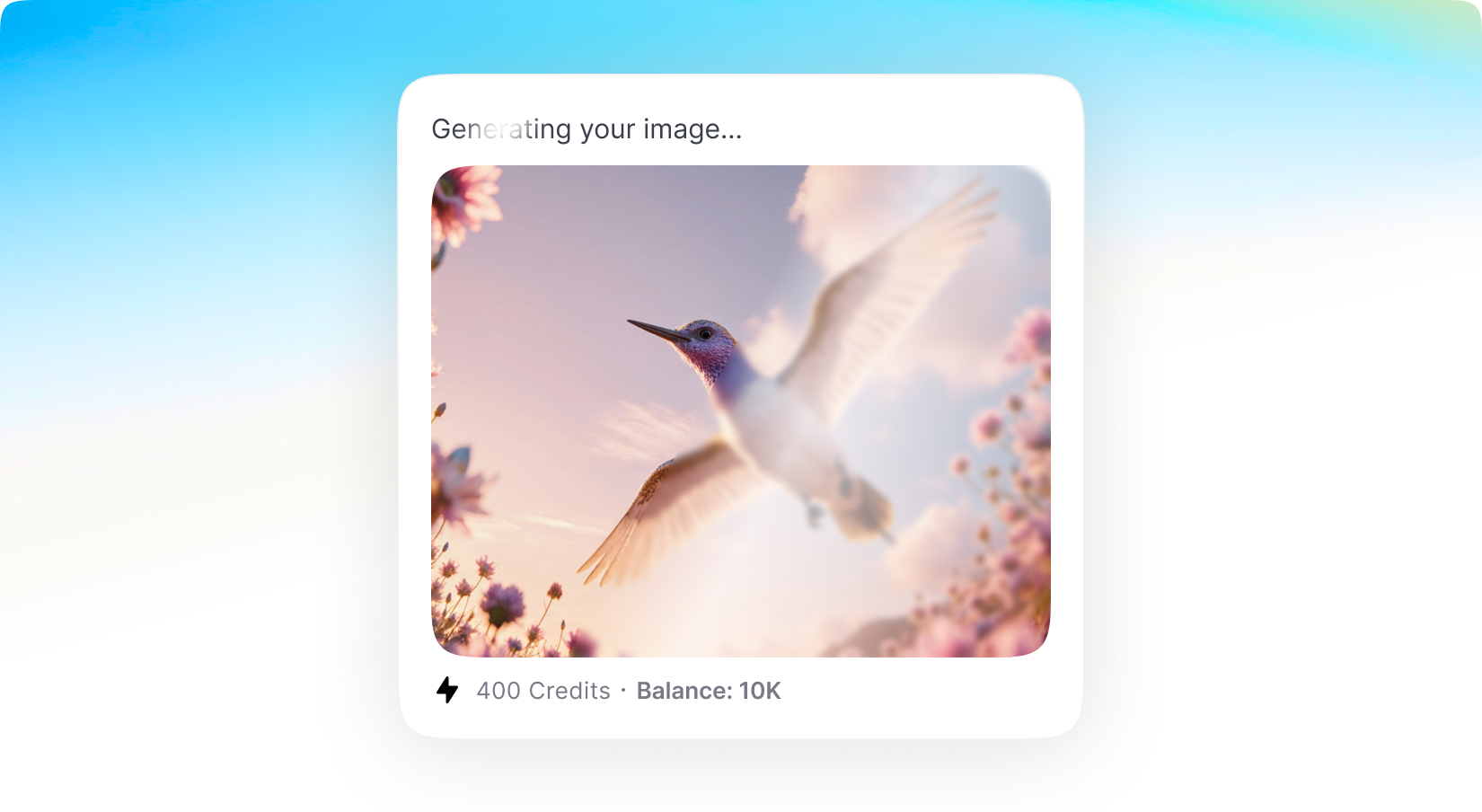
The wait is over. Alongside MagicAI's classic credit system — where you assign separate credit allowances for each generation type — you can now also offer Shared Credits: a single unified pool that users spend however they want. Assign credits to your plan, enable the features you want included, and your users are free to use those credits on anything from chat to images to videos. And there's no guesswork: users see the estimated credit cost before every generation starts, so they always know exactly what they're spending.
You also stay in full control of the economics. Shared Credits ships with a default cost index covering every provider, model, and generation type, so it works out of the box — but you can override it with custom cost multipliers to fine-tune your margins. Shared Credits are optional alongside the traditional credits system, but they can unlock powerful flexibility for a wide range of businesses.
With new budget-friendly API alternatives, you can achieve more while spending less. Use cleanup to remove imperfections, inpainting to add or replace elements, and reimagine to completely transform an image into something new. The generative fill feature allows you to intelligently fill in missing parts of an image, while the upscaler ensures high image quality even when enlarged. If you’re working with sketches, the sketch to image tool brings your hand-drawn ideas to life, converting them into polished visuals. Additionally, the remove and replace background tools give you full control over your image customization, making it easy to adapt your visuals for various use cases, from product shots and promotional materials to social media content.
Marketing Bot v2
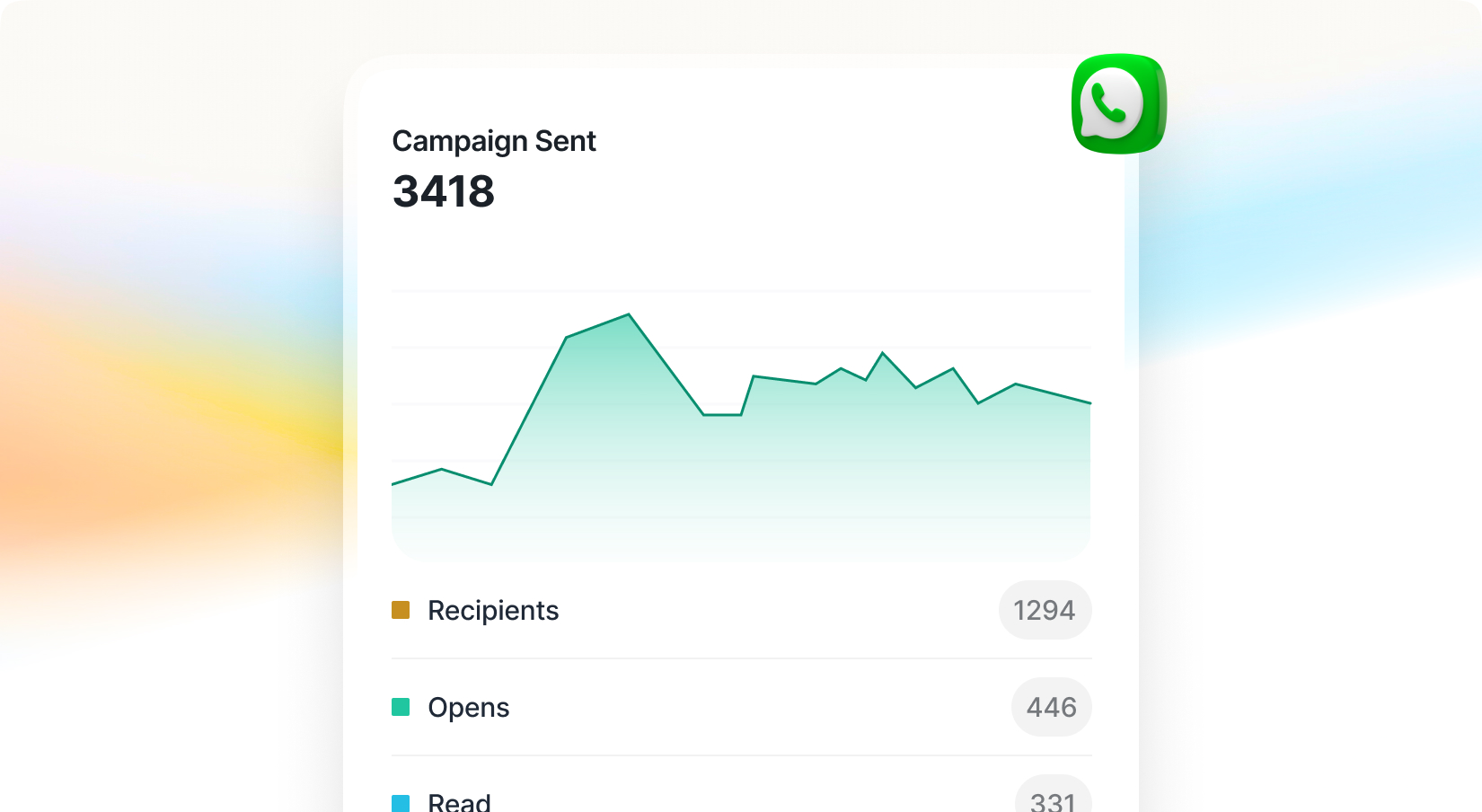
Marketing Bot just got its biggest upgrade yet: MagicAI now ships with official Meta support, connecting your bots through Meta's official API for a fully compliant, reliable integration with no fragile workarounds.This release also adds a built-in analytics dashboard so you can track deliveries, engagement, and campaign performance at a glance; configurable sending limits that let you set caps per plan or per user to manage costs and align usage with your pricing tiers; and bulk import, so you can upload your entire audience in one step instead of adding contacts one by one.
With new budget-friendly API alternatives, you can achieve more while spending less. Use cleanup to remove imperfections, inpainting to add or replace elements, and reimagine to completely transform an image into something new. The generative fill feature allows you to intelligently fill in missing parts of an image, while the upscaler ensures high image quality even when enlarged. If you’re working with sketches, the sketch to image tool brings your hand-drawn ideas to life, converting them into polished visuals. Additionally, the remove and replace background tools give you full control over your image customization, making it easy to adapt your visuals for various use cases, from product shots and promotional materials to social media content.
AI Video Pro v2
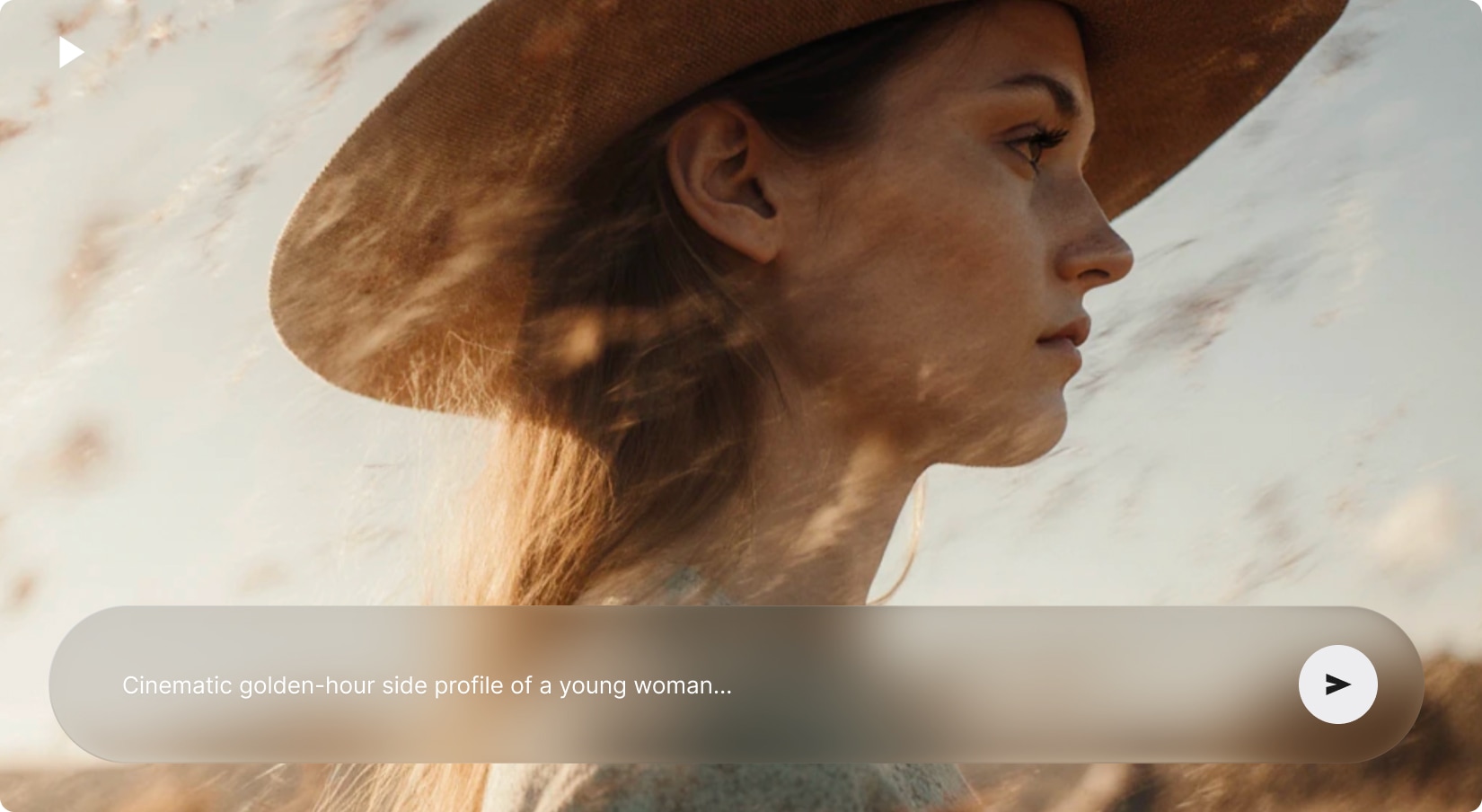
Meet the future of video creation with AI Video Pro's all-new interface—sleek, intuitive, and designed to make video-making a breeze. Powered by advanced AI models like Seedance 2.0, Kling, and Video Background Removal, it offers smarter, more customizable video generation.
With new budget-friendly API alternatives, you can achieve more while spending less. Use cleanup to remove imperfections, inpainting to add or replace elements, and reimagine to completely transform an image into something new. The generative fill feature allows you to intelligently fill in missing parts of an image, while the upscaler ensures high image quality even when enlarged. If you’re working with sketches, the sketch to image tool brings your hand-drawn ideas to life, converting them into polished visuals. Additionally, the remove and replace background tools give you full control over your image customization, making it easy to adapt your visuals for various use cases, from product shots and promotional materials to social media content.
Included with Premium Membership
AI Video Editor
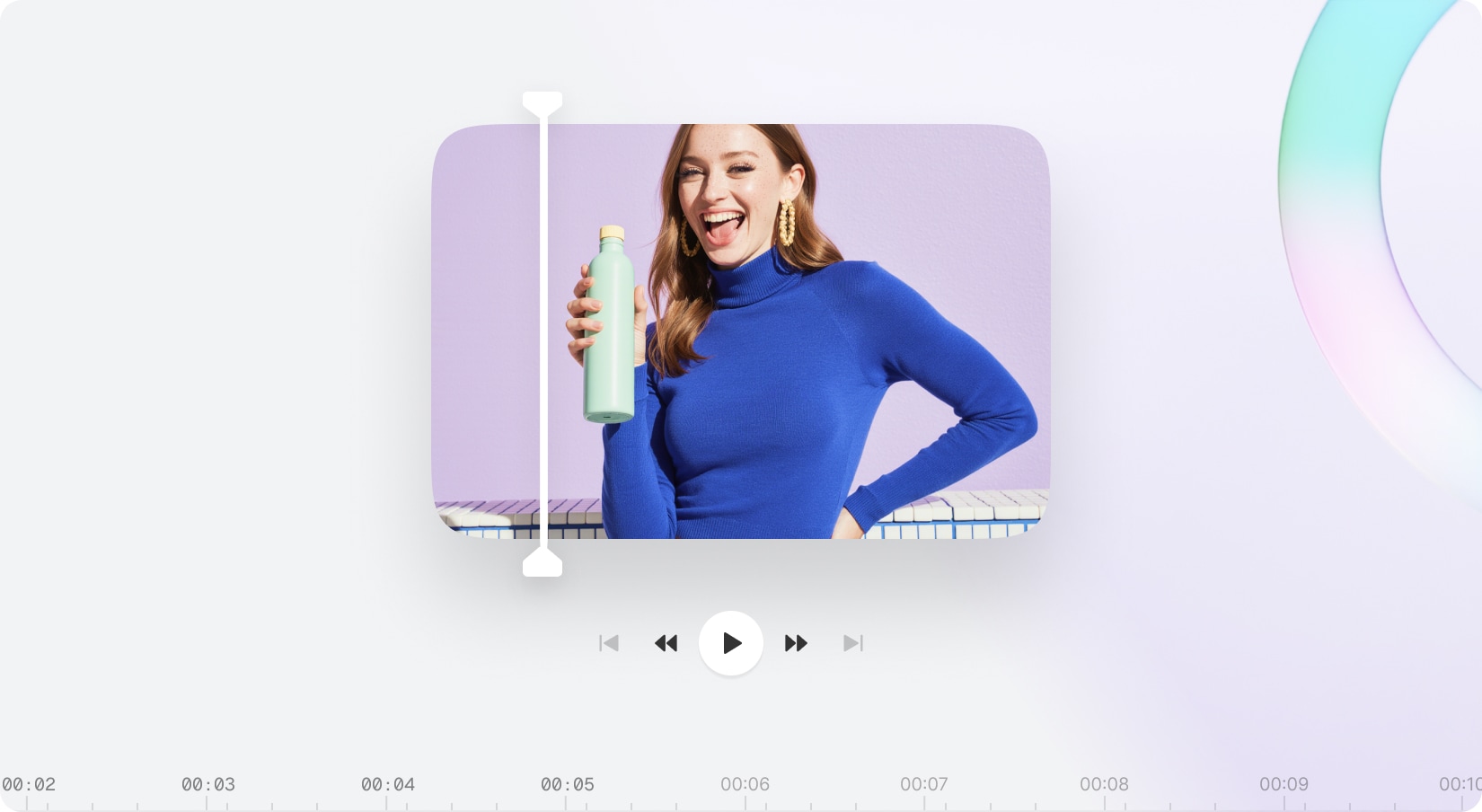
Unlock your creativity and produce stunning videos effortlessly with the brand-new AI Video Editor. Trim, split, and fine-tune your clips, add custom text or media, and adjust timelines to bring your ideas to life. Create diverse media—from AI videos and music tracks to voiceovers—all within a single powerful platform. Seamlessly combine multiple videos with our all-in-one editor designed to simplify your creative workflow and deliver professional-quality results.
With new budget-friendly API alternatives, you can achieve more while spending less. Use cleanup to remove imperfections, inpainting to add or replace elements, and reimagine to completely transform an image into something new. The generative fill feature allows you to intelligently fill in missing parts of an image, while the upscaler ensures high image quality even when enlarged. If you’re working with sketches, the sketch to image tool brings your hand-drawn ideas to life, converting them into polished visuals. Additionally, the remove and replace background tools give you full control over your image customization, making it easy to adapt your visuals for various use cases, from product shots and promotional materials to social media content.
Included with Premium Membership
UGC Creator
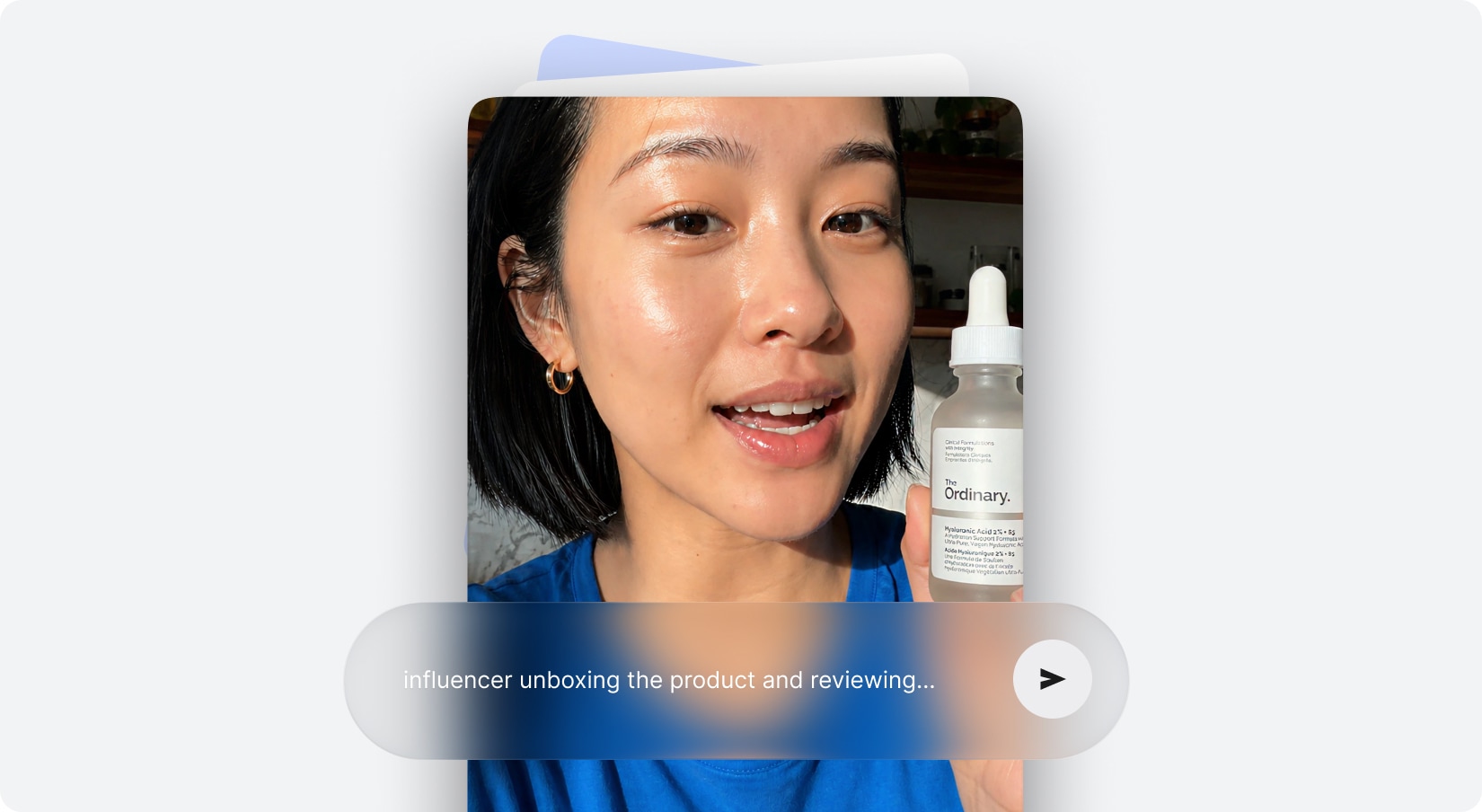
Turn your ideas into stunning AI-driven UGC videos with effortless customization. Simply upload your product and avatar images, enhance scripts with dialogue, voiceovers, and character actions, then adjust camera settings or let auto mode do the work. Create any UGC video you envision—unleash endless creative potential.
With new budget-friendly API alternatives, you can achieve more while spending less. Use cleanup to remove imperfections, inpainting to add or replace elements, and reimagine to completely transform an image into something new. The generative fill feature allows you to intelligently fill in missing parts of an image, while the upscaler ensures high image quality even when enlarged. If you’re working with sketches, the sketch to image tool brings your hand-drawn ideas to life, converting them into polished visuals. Additionally, the remove and replace background tools give you full control over your image customization, making it easy to adapt your visuals for various use cases, from product shots and promotional materials to social media content.
Included with Premium Membership
UGC Factory
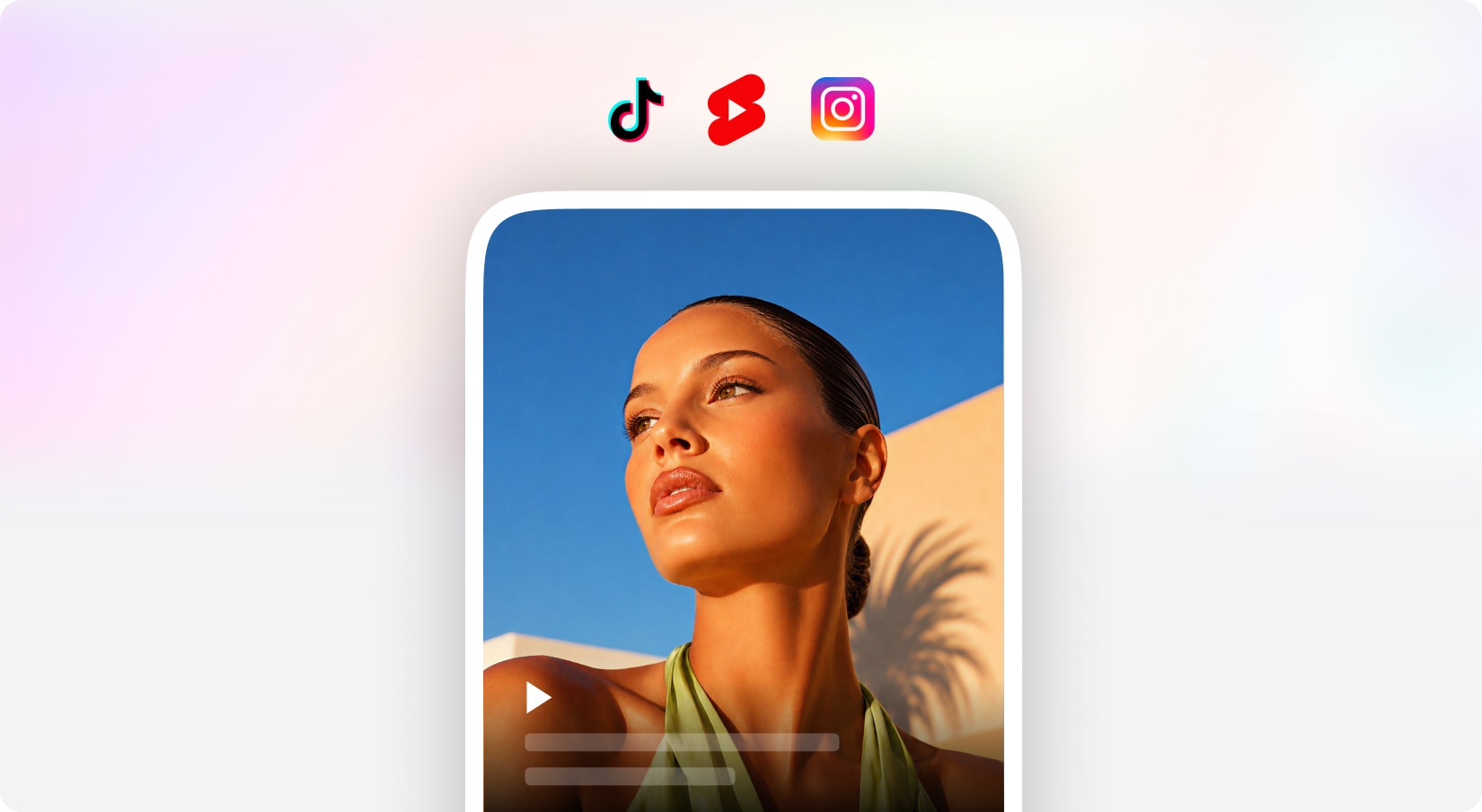
Create engaging UGC content for your social media and marketing campaigns with ease. Choose from a variety of actors, design your own unique actor using AI technology, or upload your own image to generate a personalized digital twin. They can share your story in a way that truly represents you and your idea whether you prefer your own voice or AI voice, the choice is yours to craft the perfect narrative that connects with your audience.
With new budget-friendly API alternatives, you can achieve more while spending less. Use cleanup to remove imperfections, inpainting to add or replace elements, and reimagine to completely transform an image into something new. The generative fill feature allows you to intelligently fill in missing parts of an image, while the upscaler ensures high image quality even when enlarged. If you’re working with sketches, the sketch to image tool brings your hand-drawn ideas to life, converting them into polished visuals. Additionally, the remove and replace background tools give you full control over your image customization, making it easy to adapt your visuals for various use cases, from product shots and promotional materials to social media content.